A Push campaign is a type of List Campaign that will automatically run every time new contacts are added to the contact list associated with this campaign. Once a Push campaign is active, any new contacts pushed to the associated contact lists will trigger a new campaign execution. A Push campaign can be triggered in two ways:
- A new CSV upload to the FTP dropbox for one of the Contact Lists defined in the 'Recipients' tab of this campaign. The CSV needs to be uploaded to the Replace directory of the FTP dropbox.
- Replacing the contact list defined in the 'Recipients' tab of this campaign via an API post will also trigger associated Push campaigns.
Please note that a Push campaign will not be triggered if a contact list is uploaded manually via the Movio Cinema UI.
Steps to create a Push List Campaign
From any page in your console:
- Hover over ‘Engage’ in the top menu
- Click on ‘Campaigns’ under the ‘Engage’ header
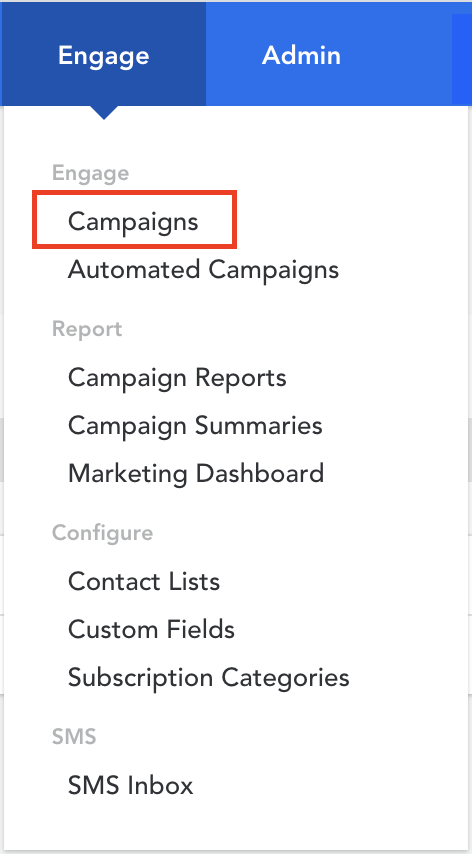
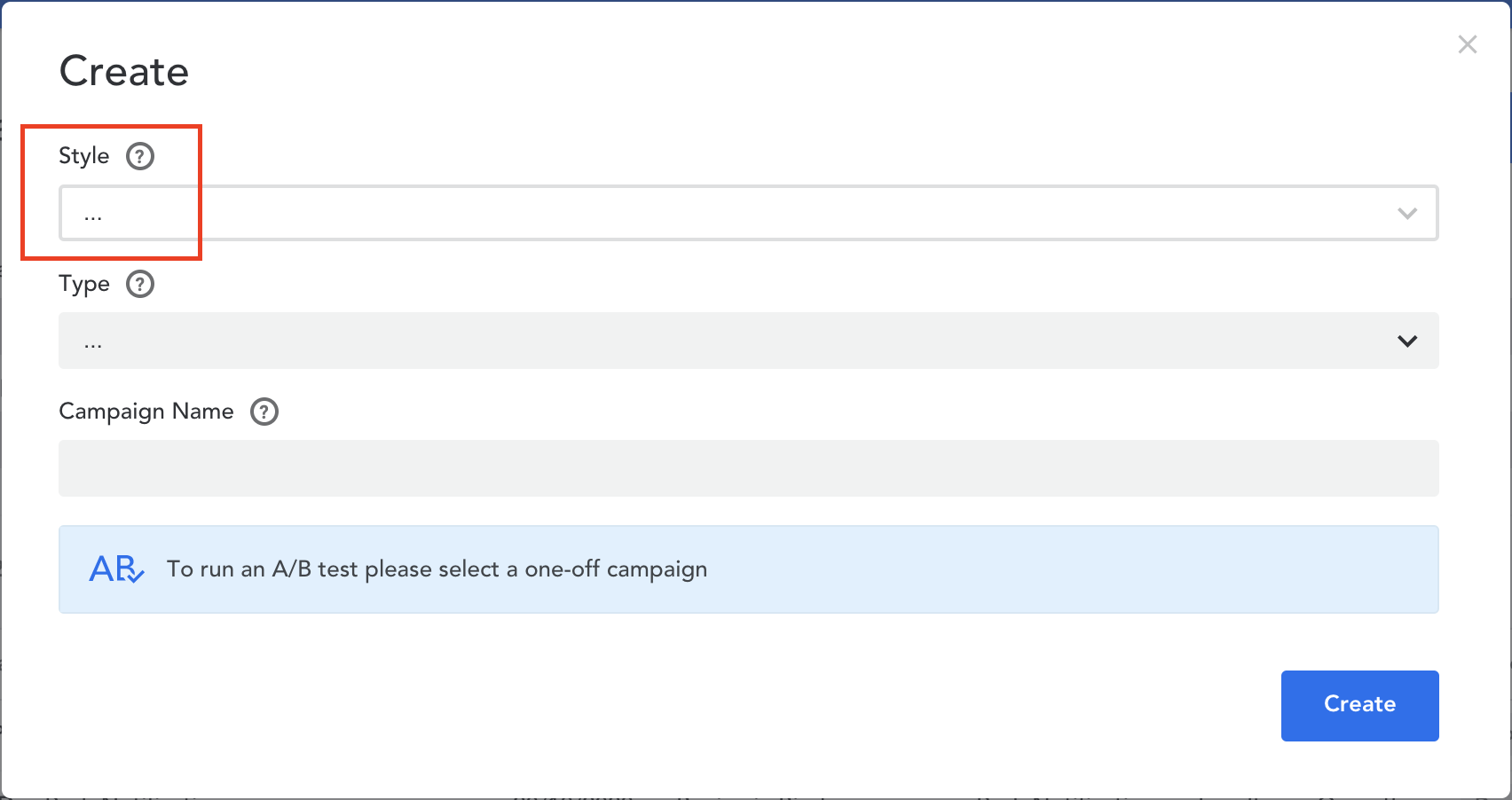
- Select ‘Create’ in the top right corner
- Select 'List Campaign' as the ‘Style’ of your campaign as this will only work with List Campaigns
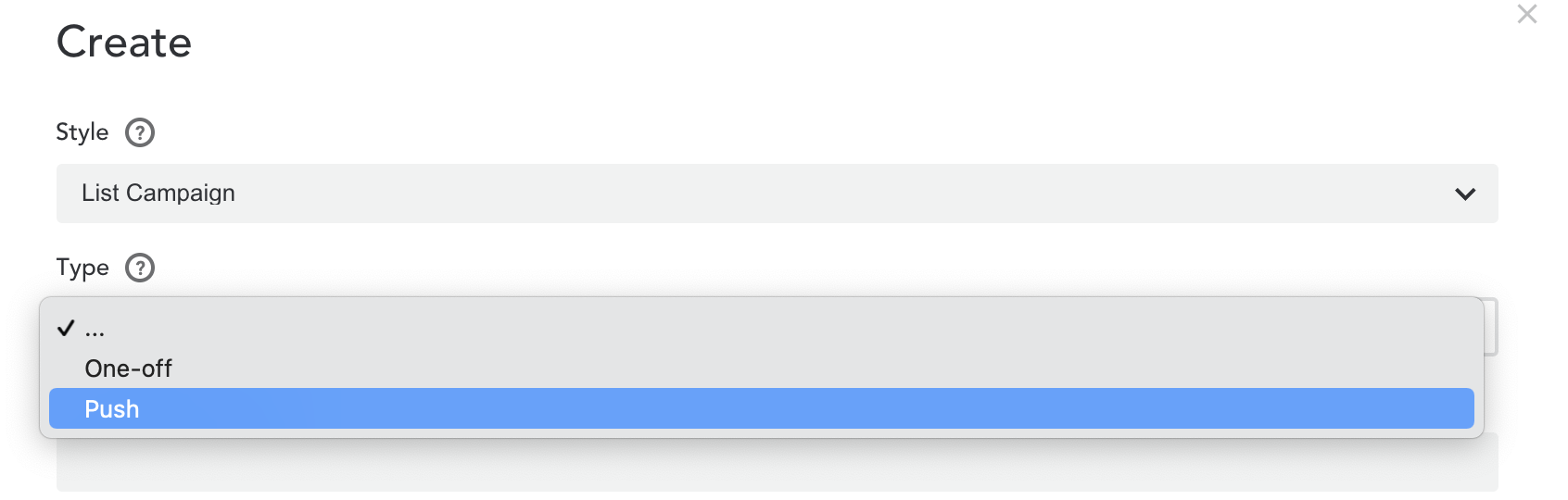
- Select 'Push' as the ‘Type’ of your campaign
- Give your campaign a name
- Click on the ‘Create’ button to create your new Push List campaign
- Select the contact list you want to associate with this campaign in the recipients' tab

Example Use Case
A mailing list functionality, on the website, where a guest can share their email address, and they are automatically added to the contact list. This triggers a push list campaign that confirms the member has been added and what they can expect, ie. content and frequency of the emails. This could be a schooling mailing list. Or opera specific content.
Comments
0 comments
Article is closed for comments.