Campaign Summaries allow you to see summarized data about your groups. You can group your campaigns by date, campaign style, and tags.
To access campaign summaries:
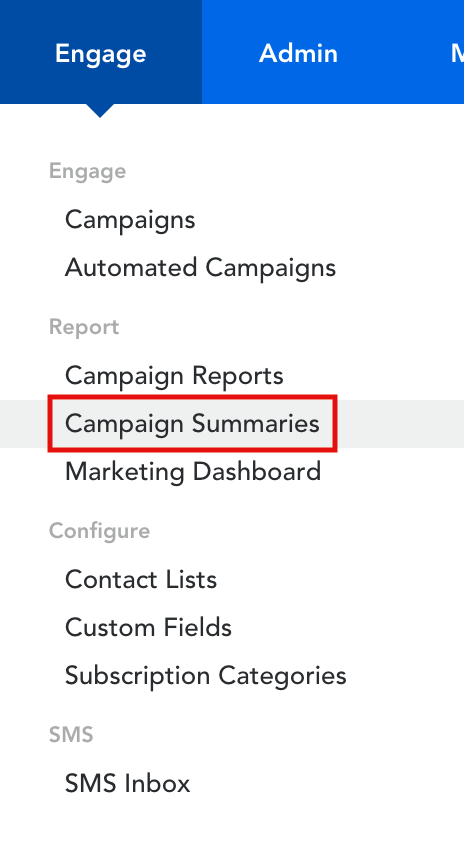
- Hover over ‘Engage’ in the top menu
- Click on ‘Campaign Summaries’ under the ‘Report’ header
- Click ‘Create’ to create a new campaign summary
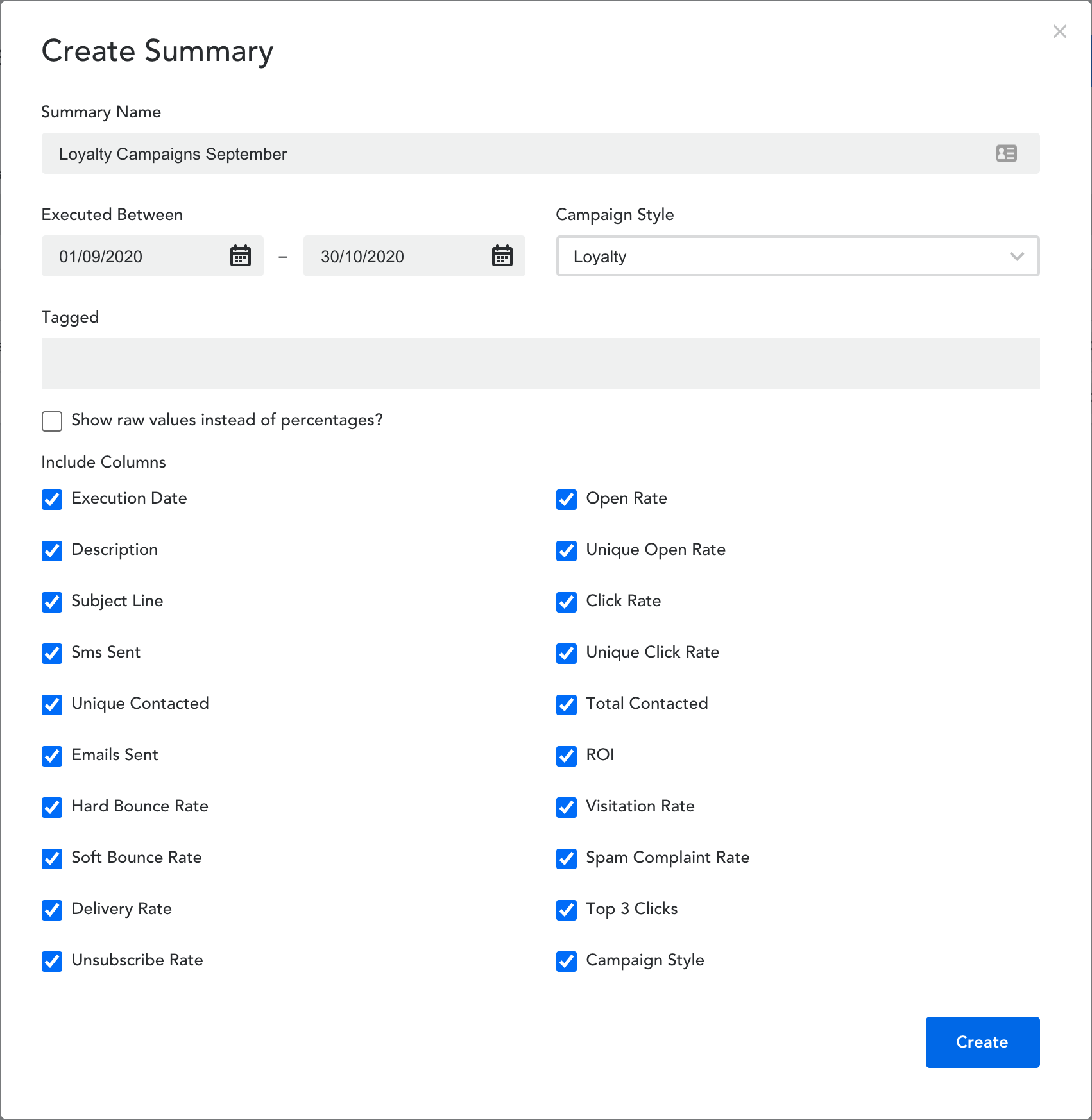
- Give your campaign a ‘Summary Name’ and choose the dates of campaign execution
- Choose which ‘Campaign Style’ and ‘Columns’ you would like to include in your summary
- Click ‘Create’ at the bottom of the page
- To view a Campaign Summary – click on the title. You can also download the summary as a CSV file.
Comments
0 comments
Article is closed for comments.