To add a new user:
- Hover over ‘Admin’ in the top menu
- Click on ‘User Accounts’ under the ‘Manage’ header
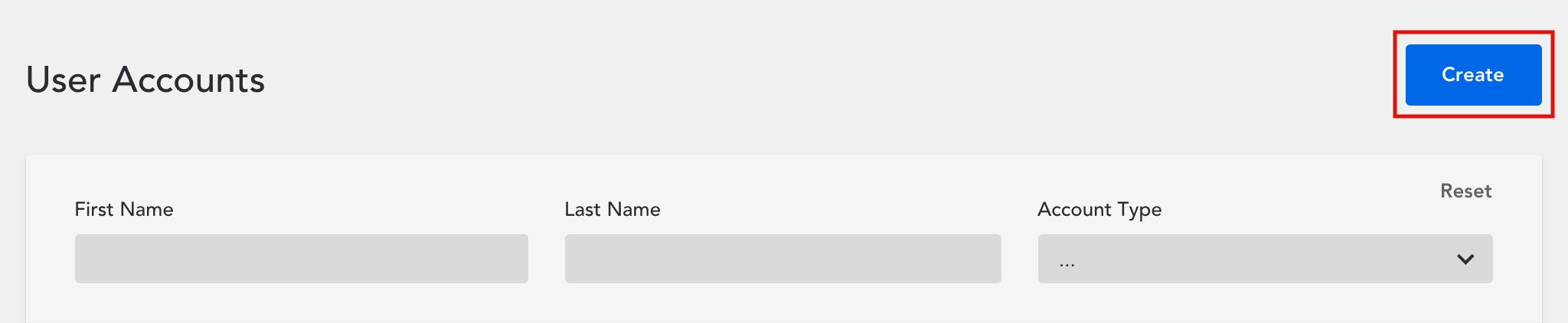
- Click on ‘Create’ in the top right corner to create a new account
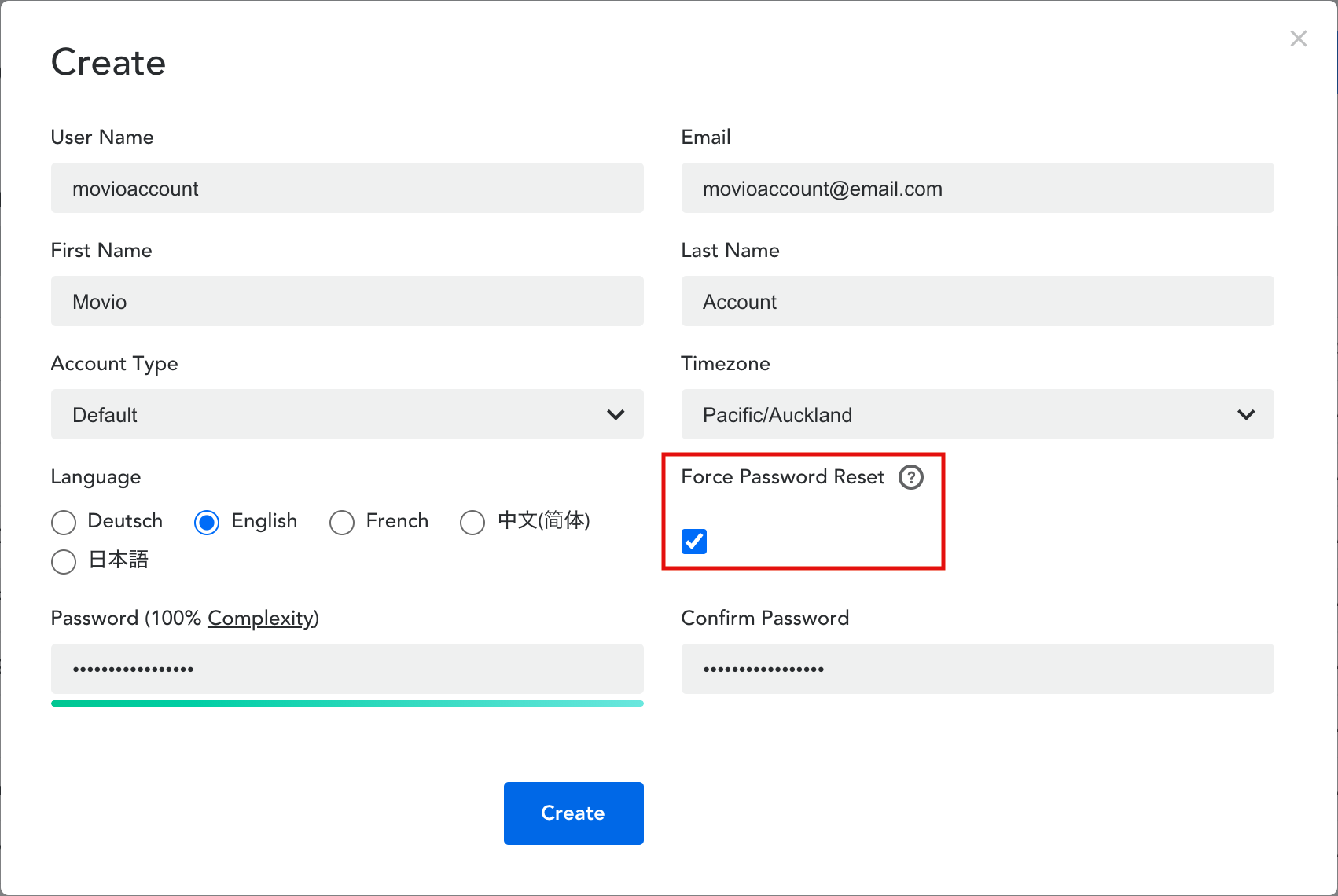
- Enter all the relevant details for the new user, and click ‘Create‘
Force Password Reset – this is useful if you are creating a new user account with a username and password. It forces the new user to update their password upon initial log-in. This is important from a security perspective as everyone should have their own password into the Movio Cinema console.
Comments
0 comments
Article is closed for comments.