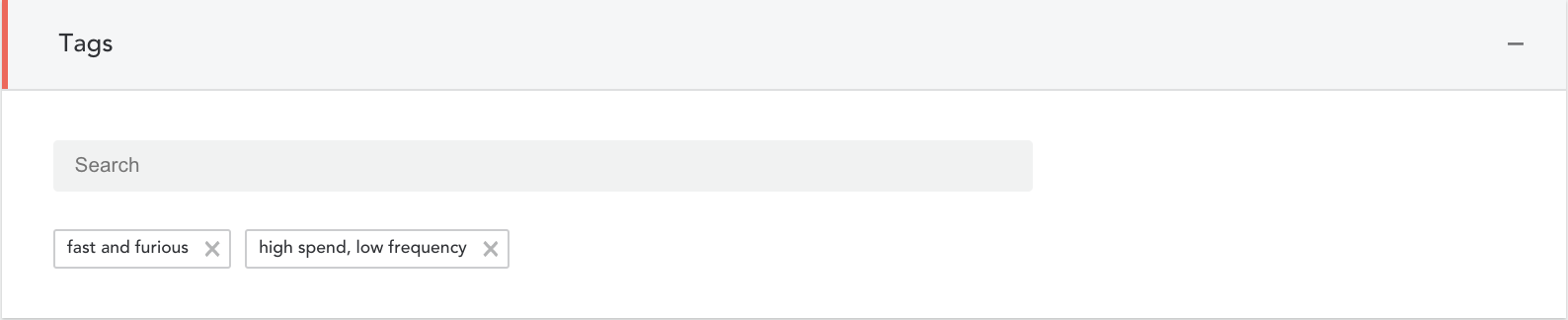
Tags are used for internal reference only – as a way to search for campaigns in the future. Tags are used to group similar campaigns together for searching or for reporting.
Tags are not required in order to deploy a campaign but we highly recommend that you use them. You can also add tags after your campaign has been deployed.
- Enter one or more tags into the space provided
- Click ‘Save’ before moving to the next step
Benefits of Using Tags
Efficiency
- You will save time when creating campaigns by having pre-established groupings of cinemas, movie genres, POS codes etc
- You will only need to set up tags in the beginning and update as required. For example, you will only need to update your ‘Cinema’ tag if a new cinema opens
- There is no limit to the number of tags you can create
Reporting
- You can view reports based on the tags you create
Comments
0 comments
Article is closed for comments.