Creating a new campaign
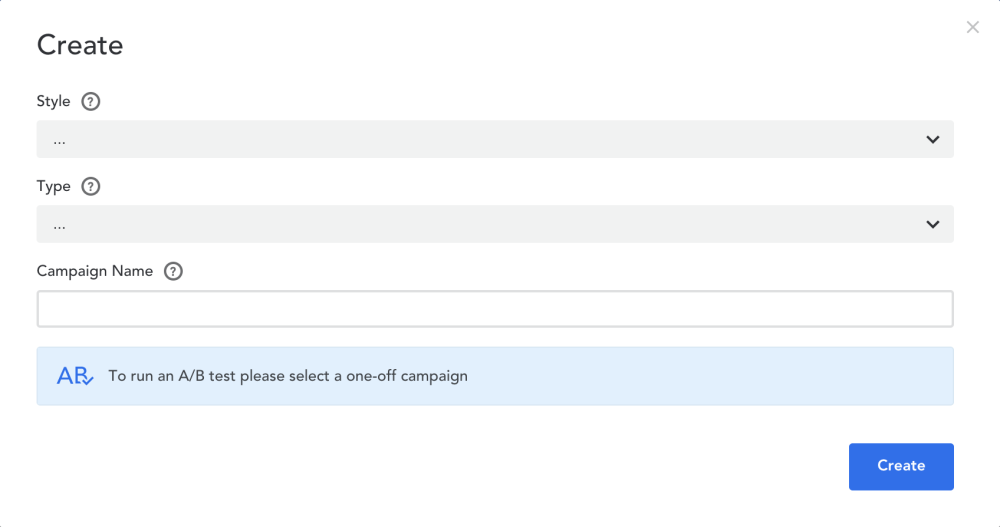
To use the email editor, click ‘Create’ when creating a new campaign.
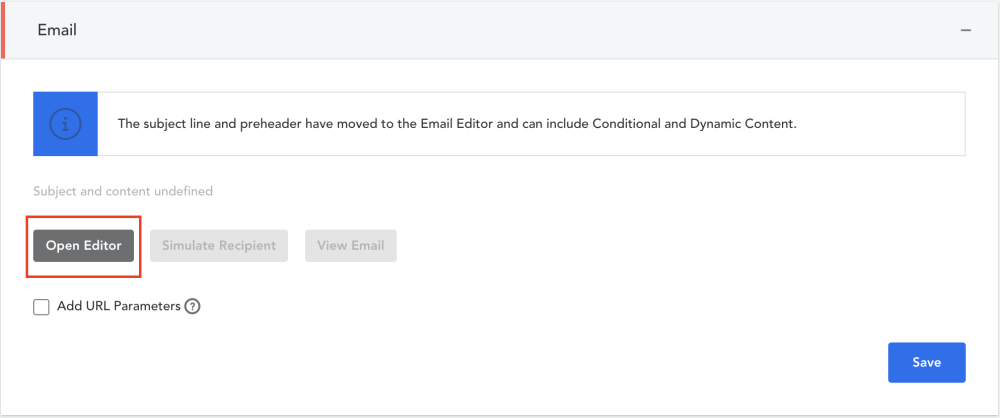
Open the Email Editor
When you are creating an email campaign, click on the ‘Open Editor’ button under the ‘Email’ header in Campaign Builder. This will open your Email Editor in another window or tab.
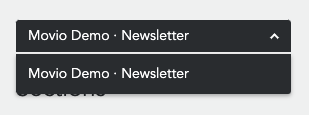
- Select a template from the drop-down menu
- You are now ready to edit your template to suit your campaign. Your work station is divided into three areas:
1. Control bar
2. Editing tools
3. Email header (Email template)
4. Email body (Email template)
Comments
0 comments
Article is closed for comments.