Member Views are based on the snapshots you created in 'Group Builder'.
Member Views can be found on the homepage of the Movio Cinema console or by hovering over the ‘Analyze’ header, and clicking on ‘Member Views.’
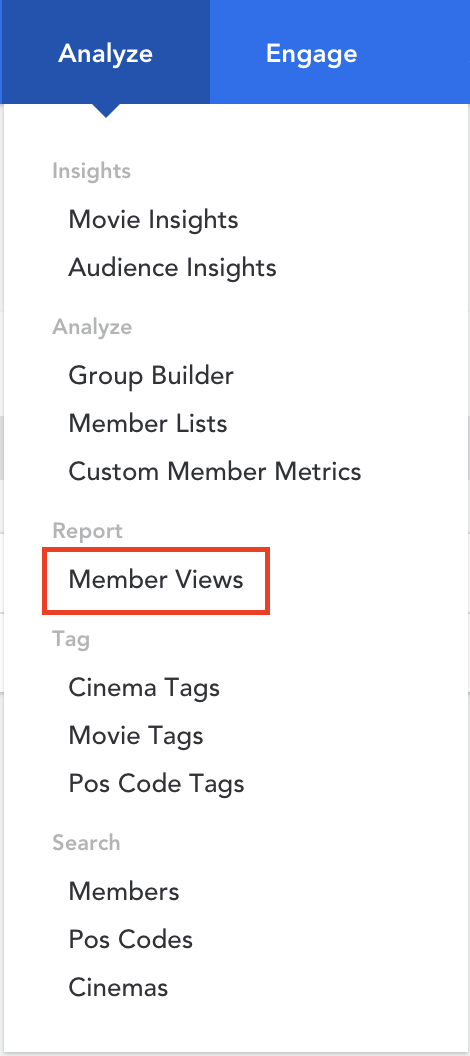
Select and create a View
The ‘Select View’ option will present a list of pre-established view options which you have added into Movio Cinema. This list is limited to 12 options and the data is updated weekly. Under this button, you can also add a new view to the list.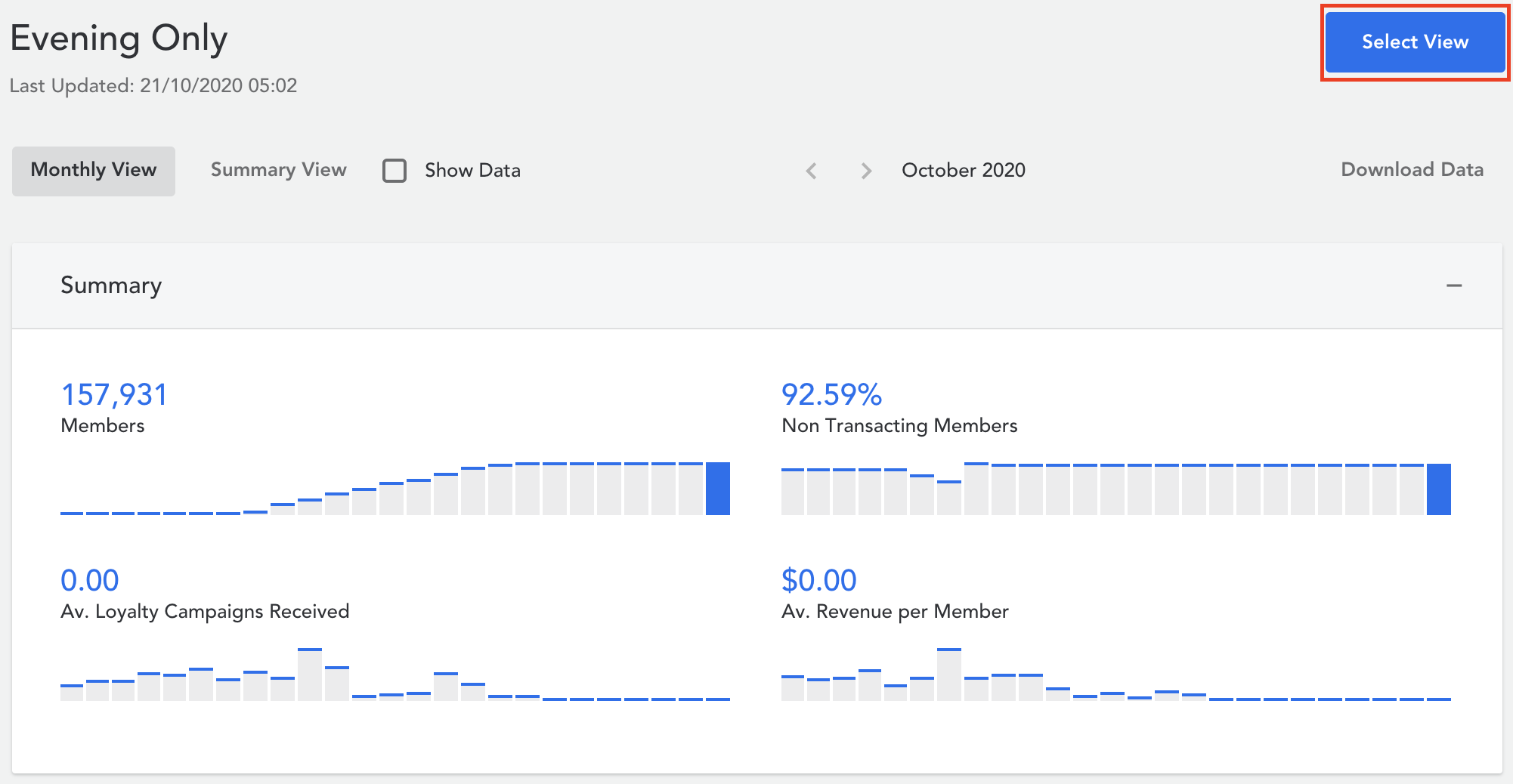
Once you have created a view, key transactional metrics are displayed and show trends over time. These are presented in a month by month, or year to year comparison. This allows you to create specific groups and track their behaviour over time.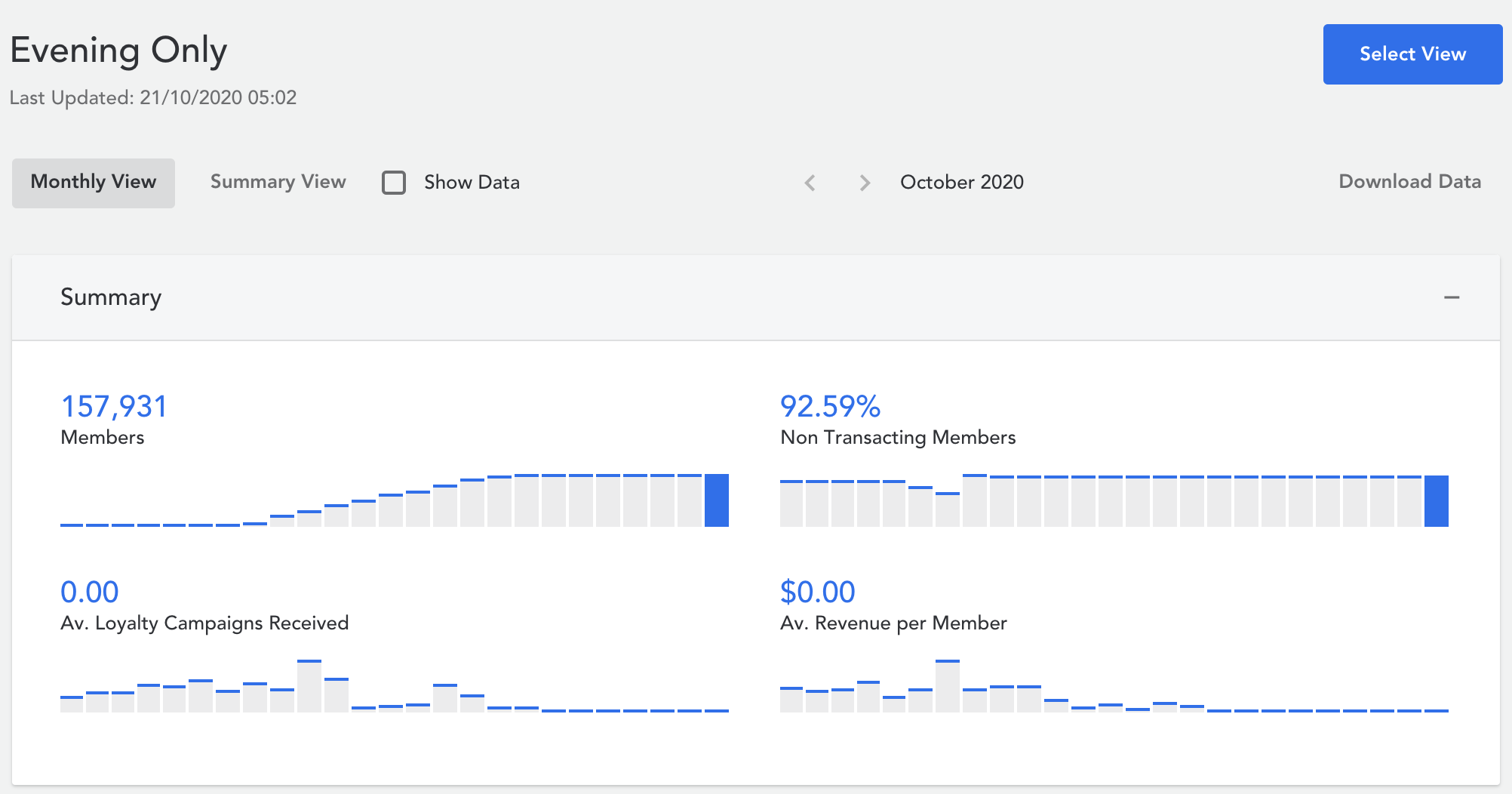
Download a View
You can choose different view modes by clicking on the options on the right. If you would like to download your member view data, click on ‘Download Data.’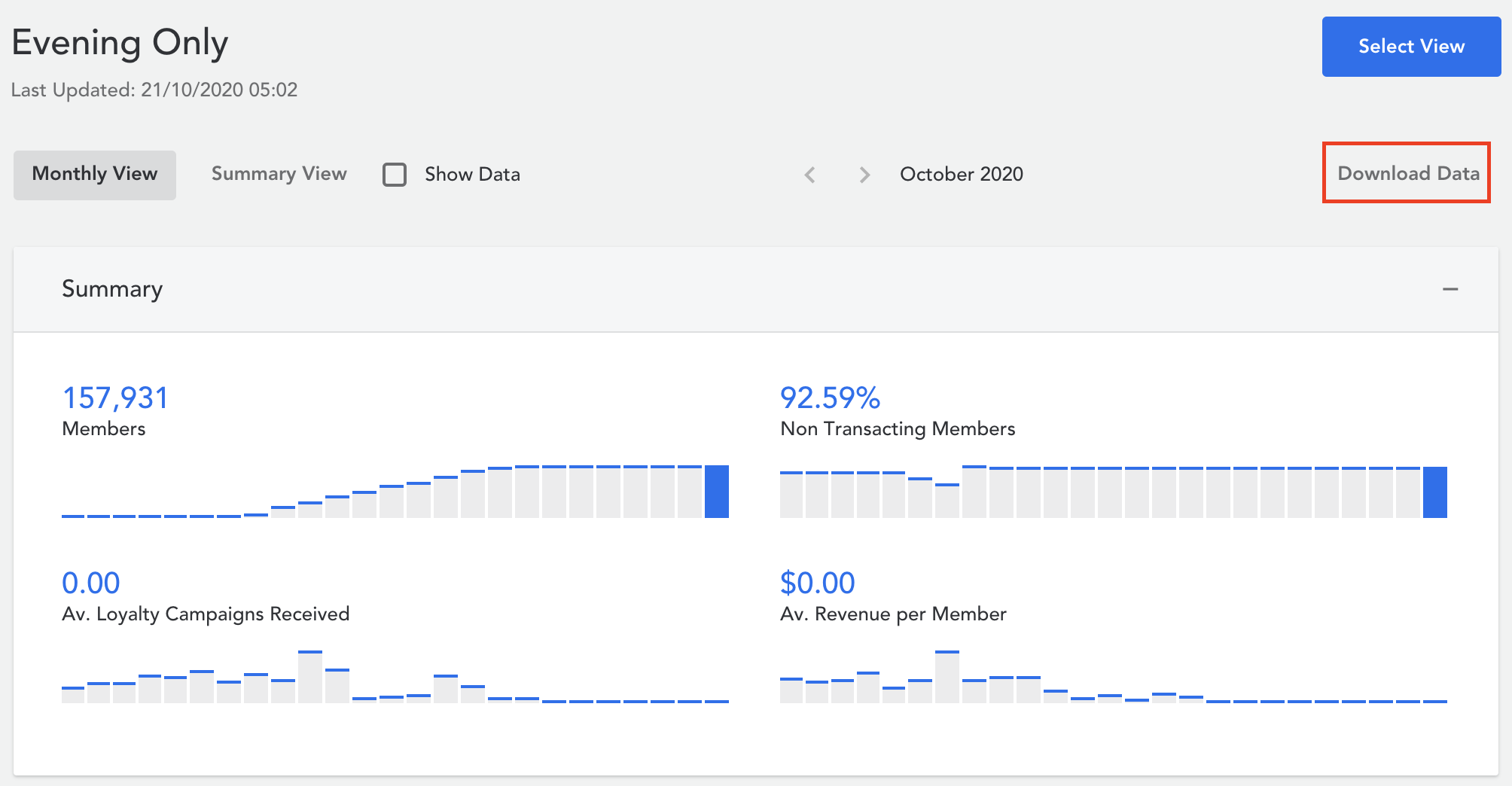
What are 'Av. Loyalty Campaigns Received'?
The average number of one-off, not silent, loyalty campaigns each contacted member received.
Comments
0 comments
Article is closed for comments.