If you would like to search for a specific member and their details in your database, you can use the ‘Search’ function.
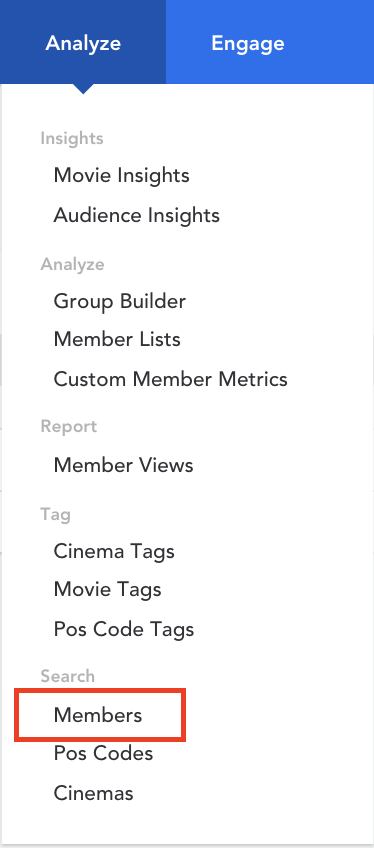
- Hover over ‘Analyze’ in the top menu and click on ‘Members’ under the ‘Search’ header
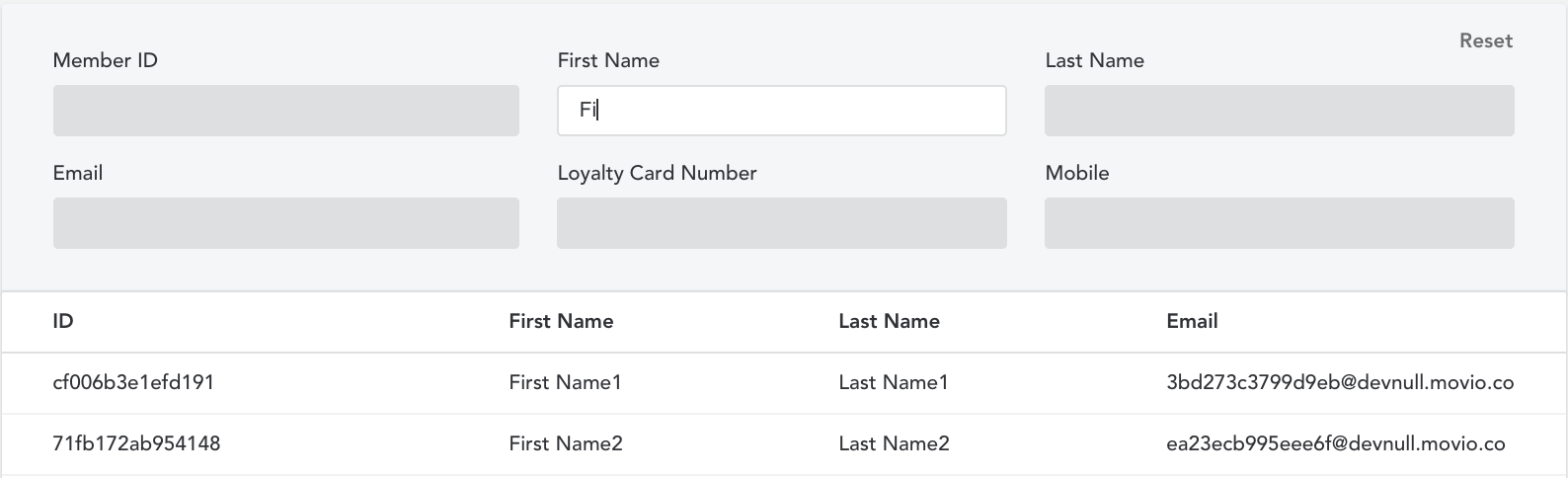
- You can search using the member ID, first name, last name, email address, and loyalty card number. In the example below, we searched for members with their first name starting with ‘Fi’
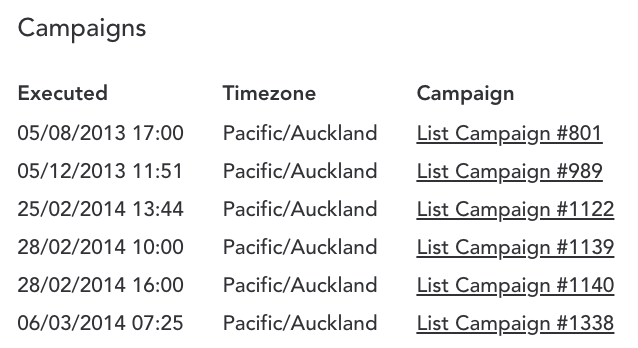
- You can click on any member and view their profile. At the bottom of the profile, you can view which campaigns this member has received. This is quite useful if you need to confirm whether a member has received a specific campaign
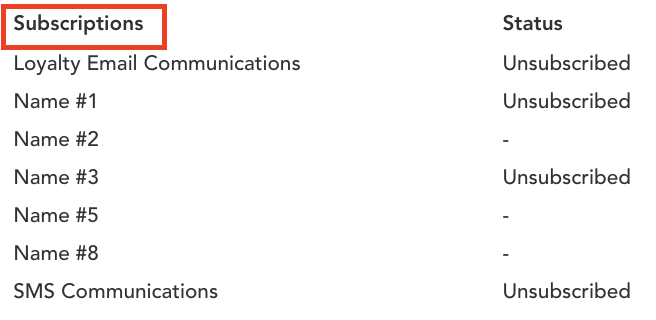
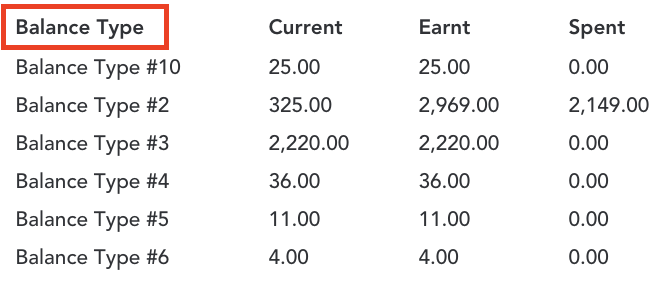
- You can view the selected members' subscriptions and loyalty balances in their profile
- Subscriptions: displays the different subscription categories and whether the member is subscribed or unsubscribed to each
- Balance Type: displays the different loyalty point balance types associated with the member’s account, and their current balance, total points earnt, and total points spent for each
Comments
0 comments
Article is closed for comments.