Recurring Campaigns are useful to set up if you would like members to receive a campaign when an event happens (e.g. for a member’s birthday) or when a member gets to a particular state (e.g. a member earns 1,000 loyalty points).
This follows the same process as setting up a one-off loyalty campaign, however, there are some changes that need to be made.
From any page in your console:
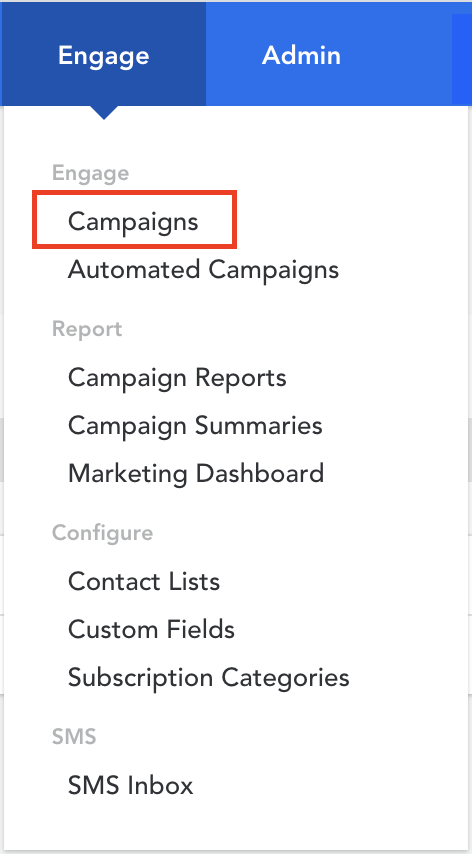
- Hover over ‘Engage’ in the top menu
- Click on ‘Campaigns’ under the ‘Engage’ header
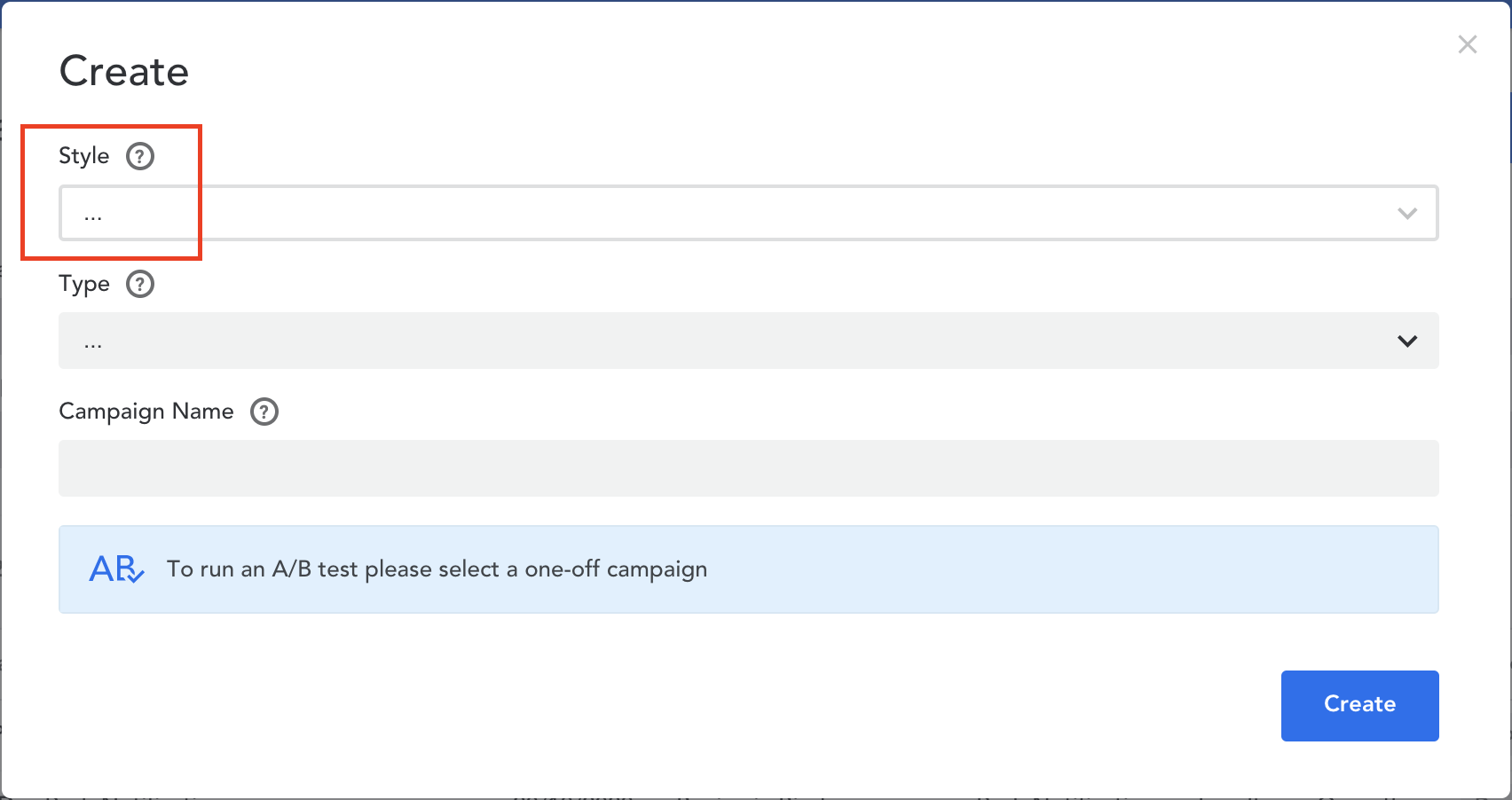
- Select ‘Create’ in the top right corner
- Select 'Loyalty Campaign' as the ‘Style’ of your campaign as this will only work with Recurring Campaigns
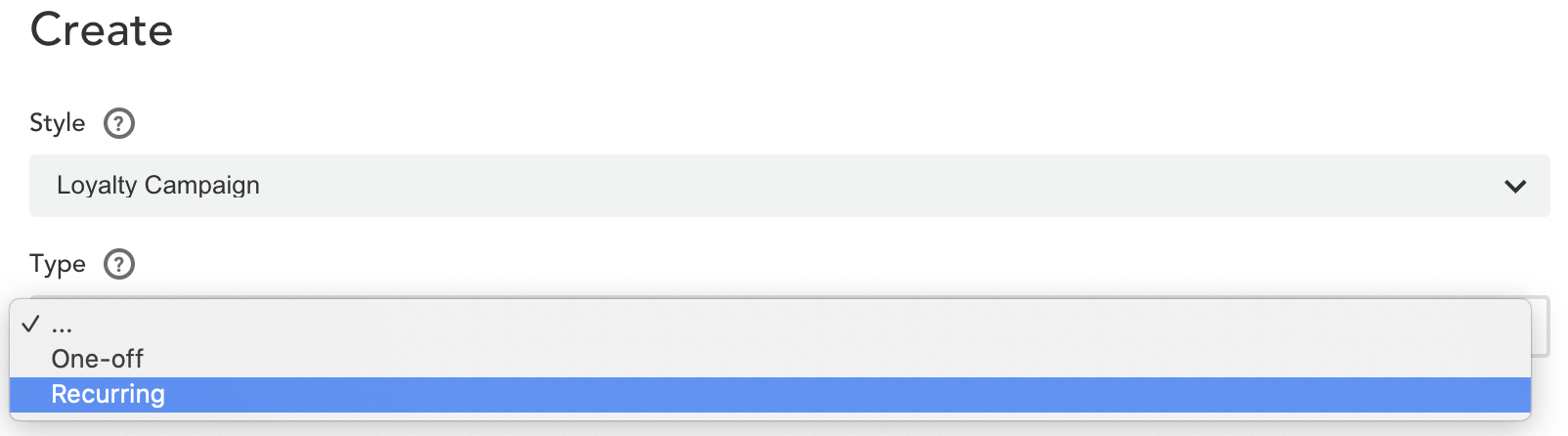
- Select 'Recurring' as the ‘Type’ of your campaign
- Give your campaign a name
- Click on the ‘Create’ button to create your new recurring campaign
Comments
0 comments
Article is closed for comments.