To send a communication to your target group, you must save them as a Snapshot. You will use the Snapshot in the ‘Recipients’ section of Campaign Builder. A Snapshot saves the filters you have used for your target group, not the number of members returned. For example, today you may have 1,800 members returned who match your filters but tomorrow you may have 1,809 members.
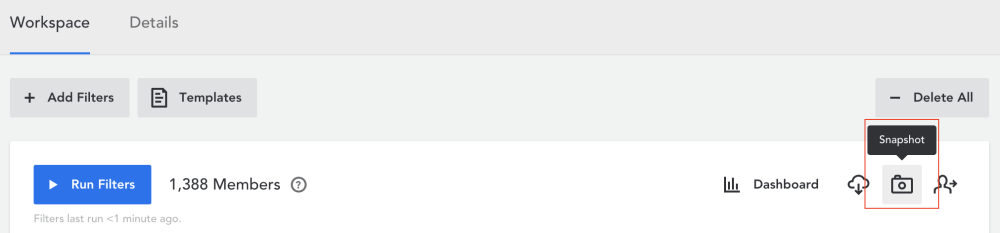
- Click on the Snapshot button.
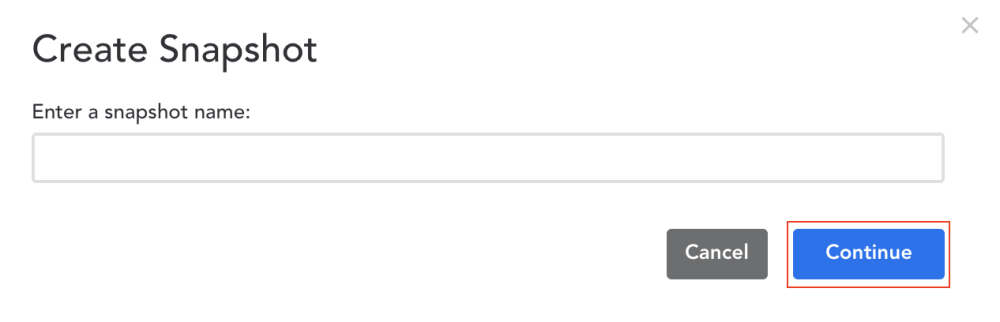
- A window will pop up prompting you to name your snapshot.
-
Once you have entered a name, click ‘Continue.’ You have now created your Snapshot.
Comments
0 comments
Article is closed for comments.