If you find yourself targeting the same group of cinemas often, you might want to consider using tags. Tags will allow you to group your cinemas together and label them as one cinema/tag. You will easily be able to add these cinemas by searching for your cinema tag. For example, you can create a tag called ‘North Cinemas’ and add all your cinemas in the North region.
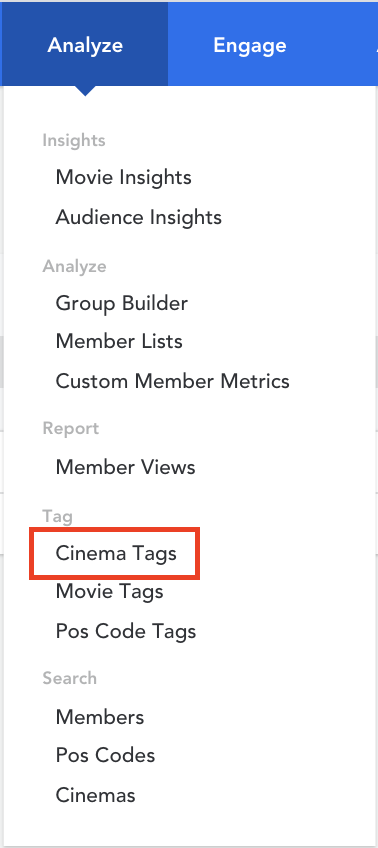
- From the homepage, hover over ‘Analyze’ in the top menu, click on ‘Cinema Tags’ under the ‘Tag’ header
- Once you are on the Cinema Tags page, click ‘Create Tag’ in the top right corner

- Label your tag and click ‘Create’
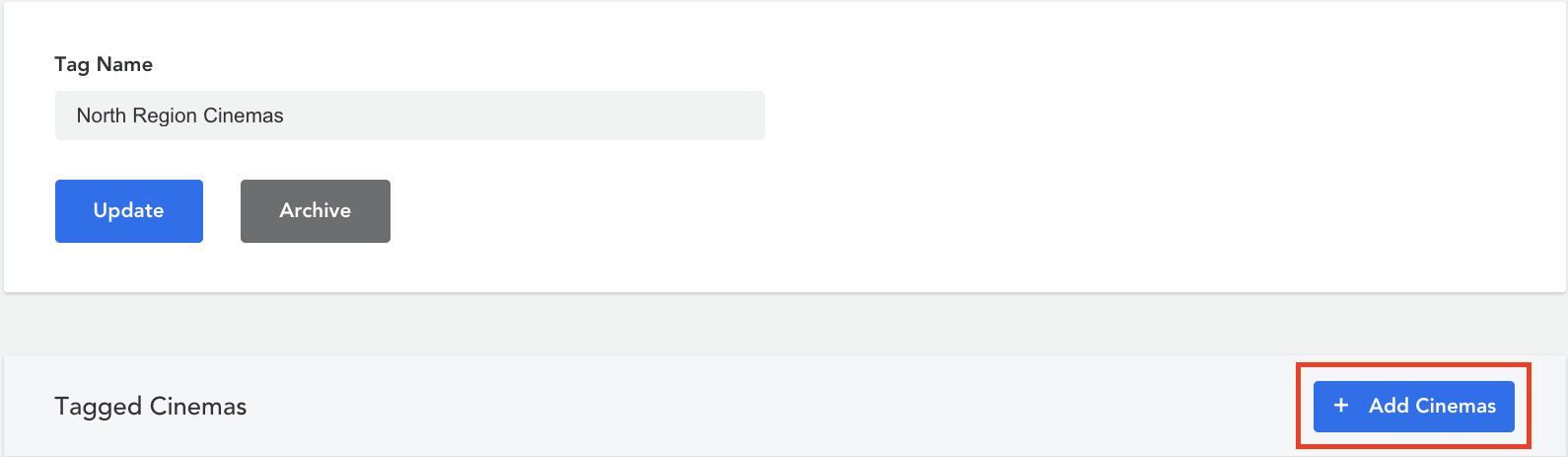
- Click on ‘Add Cinemas’ once you have created a tag
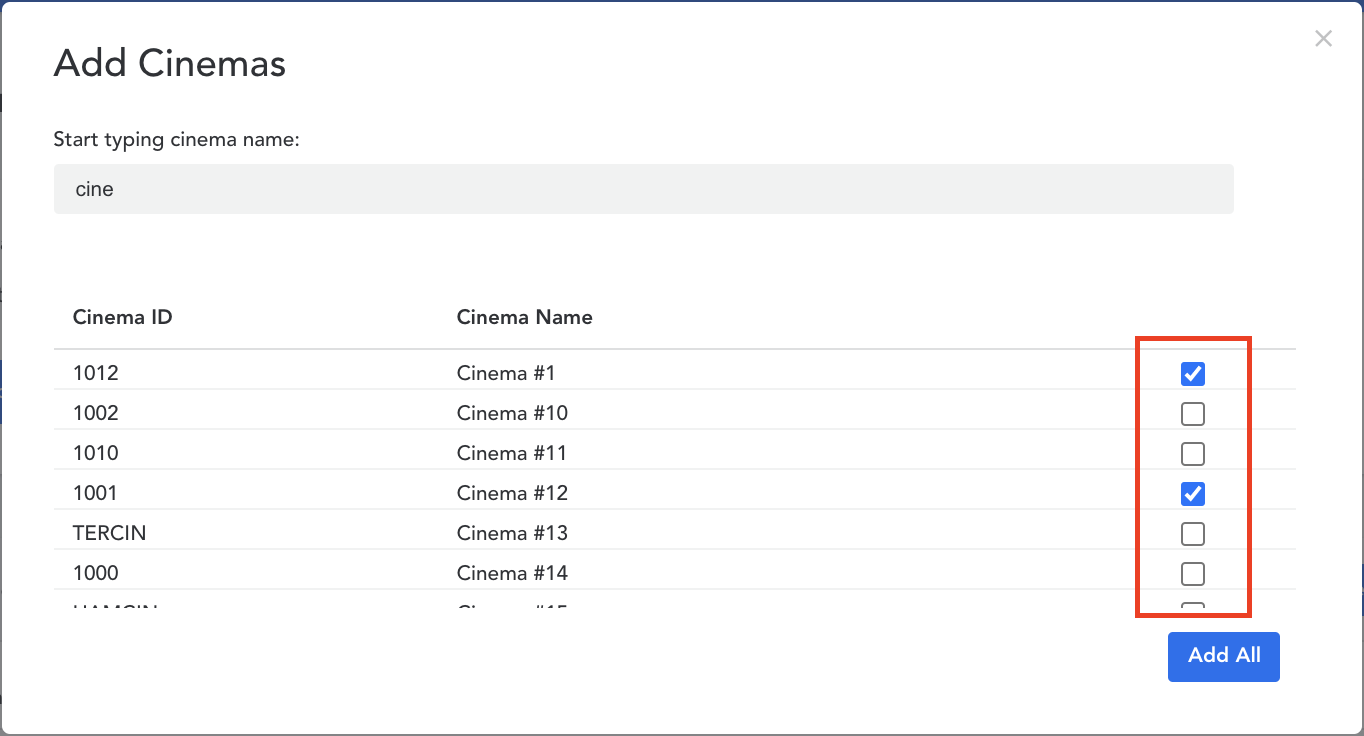
- Start typing the name of the cinemas you would like to add to your tag. Click on the checkbox to include the cinema to your tag
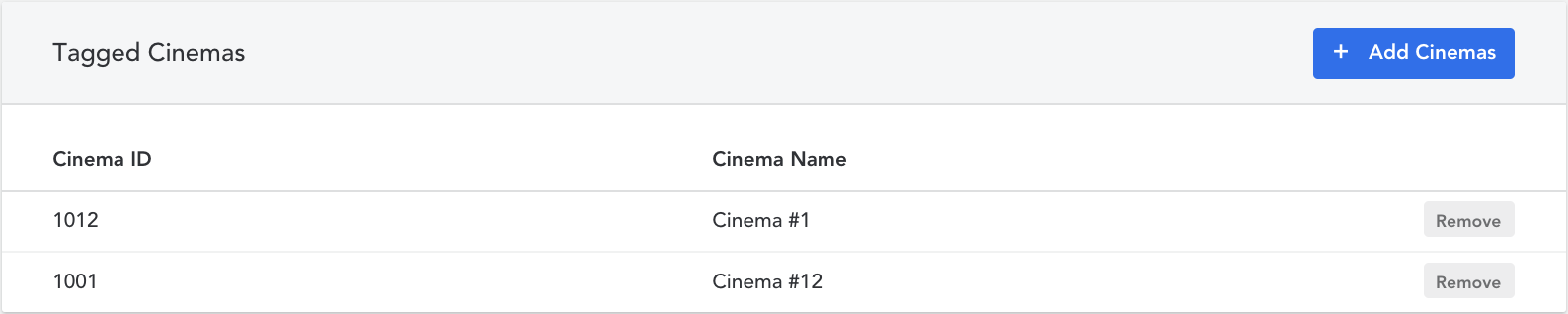
- Click on ‘Update’ once you have added all the cinemas to your tag

Use Cinema Tags in Group Builder
In the image below, you will see the cinema tag ‘North Region Cinemas’ being used in the Group Builder section. We added the ‘Movie Session Attendance’ filter under the ‘Cinema Activity’ heading. Learn how to add filters to your group.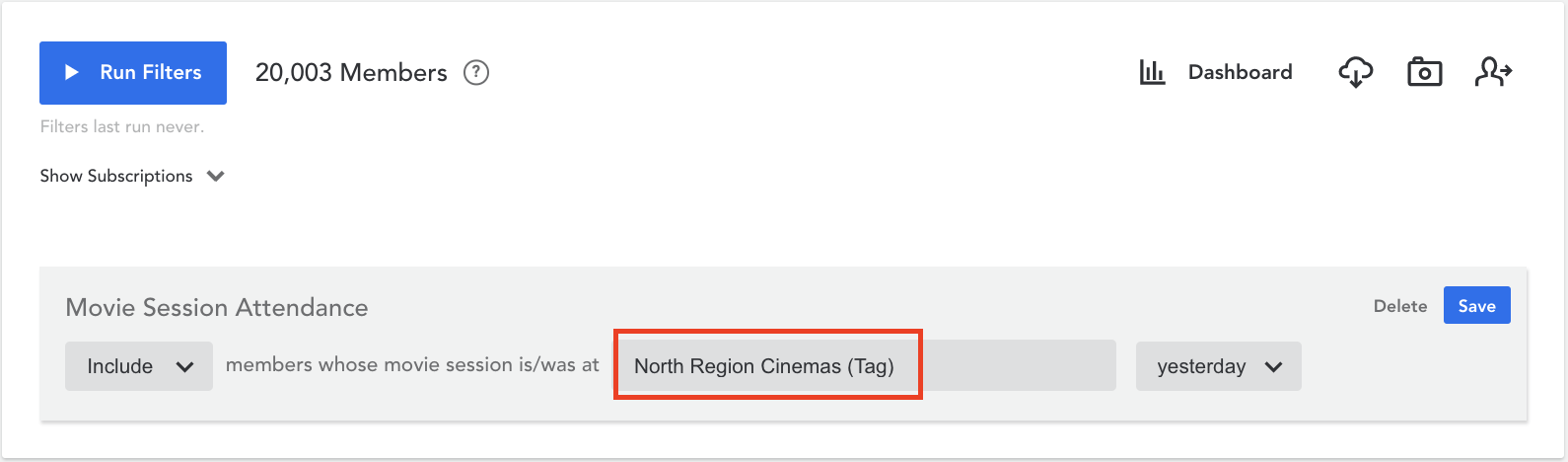
Comments
0 comments
Article is closed for comments.