To unsubscribe members from a subscription category
- Click on the subscription category you wish to unsubscribe a member from
- Scroll down to the bottom bar, and click on the ‘Unsubscribe’ tab
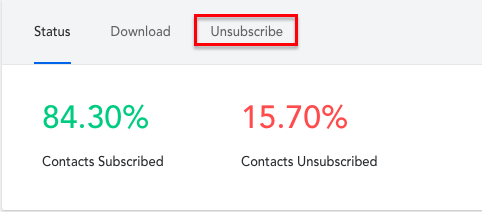
- Click ‘Unsubscribe’
- Enter the member’s email address (you can add up to 100 at a time)
- Click ‘Unsubscribe’
Comments
0 comments
Article is closed for comments.