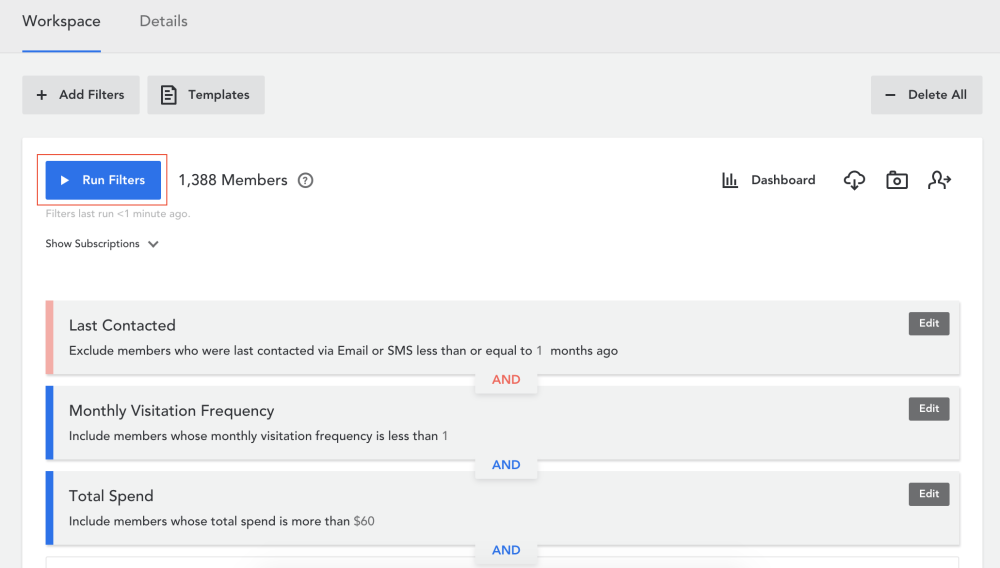
Run filters to see the total number of members who fit your specified parameters.
- Click on ‘Run Filters’
- You can view how many of those members can be contacted per subscription category by clicking on ‘Show Subscriptions’
Please note: these members can only be contacted if they have a valid email address or phone number and have subscribed to the email and/or SMS category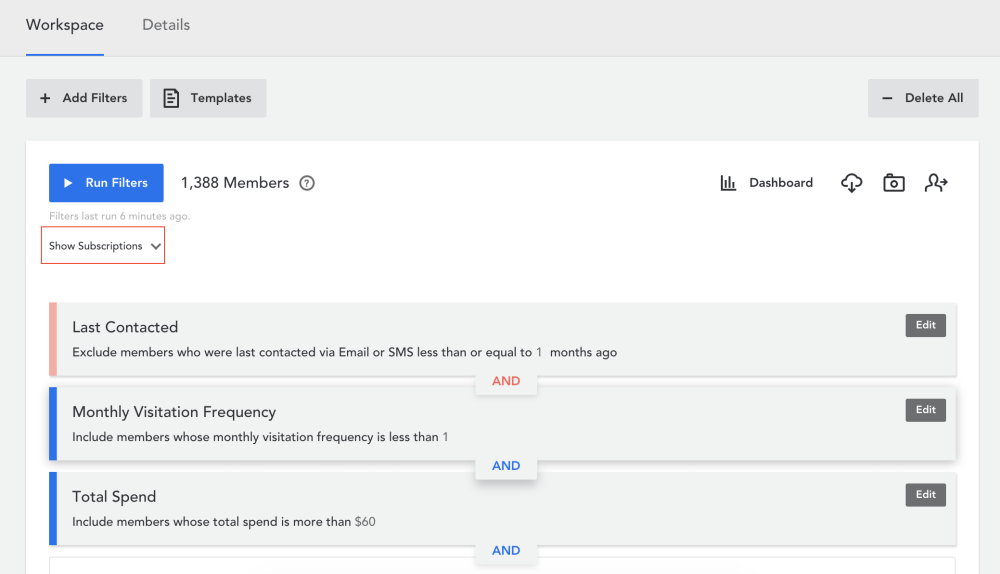
- Select ‘Loyalty Email Communications’ and/or ‘SMS Communications’ from the list

- Click on ‘Run Filters’ again
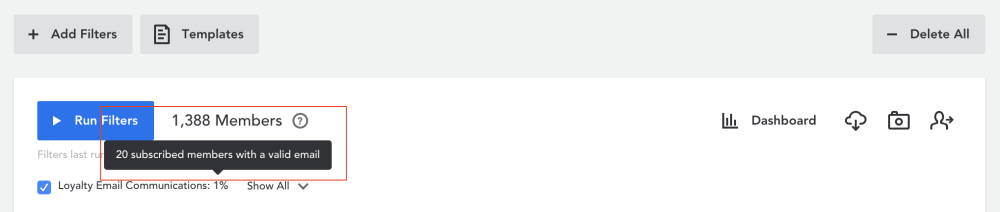
- To find the number of subscribed members with a valid email address, hover over the percentage sign
Comments
0 comments
Article is closed for comments.