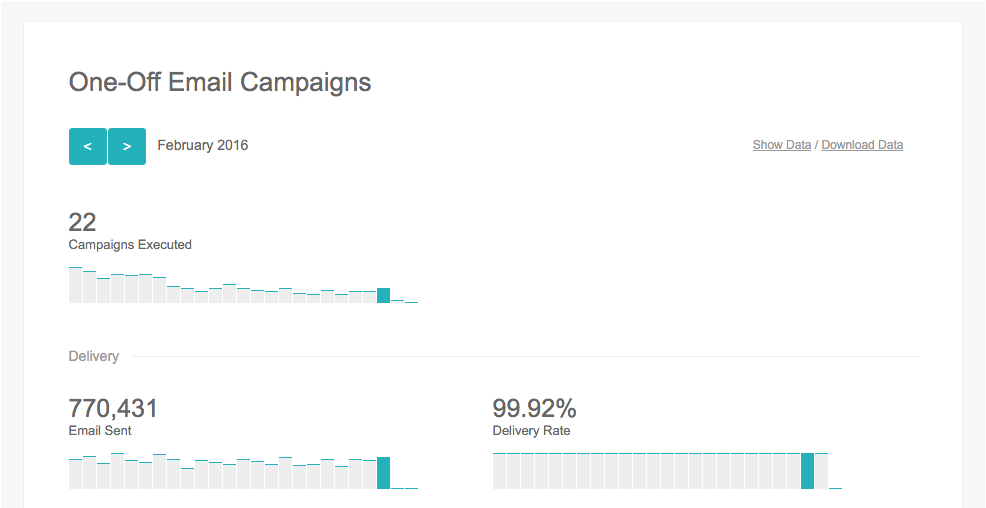
The Marketing Dashboard is useful for an overview of information on how the contacts interact with the campaigns. All the data is grouped into different categories and is displayed on a month by month basis.
To view the Marketing Dashboard:
- Hover over ‘Engage’ in the top menu
- Click on ‘Marketing Dashboard’ under the ‘Report’ section
- Here you will see the Marketing Dashboard
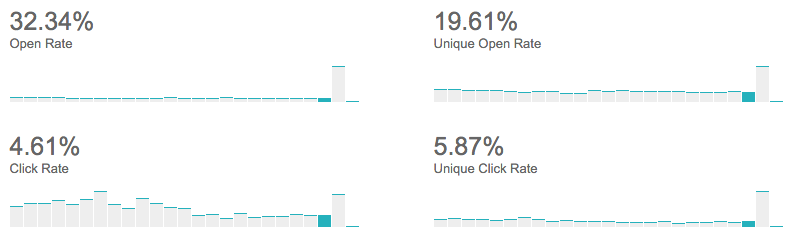
Open Rate – shows the total number of opens divided by total number of emails sent.
Unique Open Rate – number of contacts who open an email divided by number of emails sent.
Click Rate – total number of clicks divided by total number of opens.
Unique Click Rate – number of contacts who clicked divided by number of contacts who opened the email.
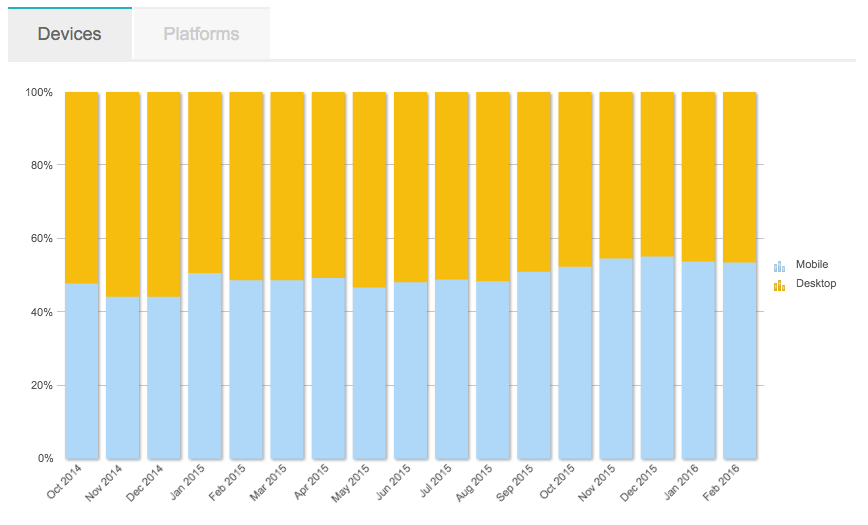
- You can scroll down to view more information about the campaigns you sent. For example:
Comments
0 comments
Please sign in to leave a comment.