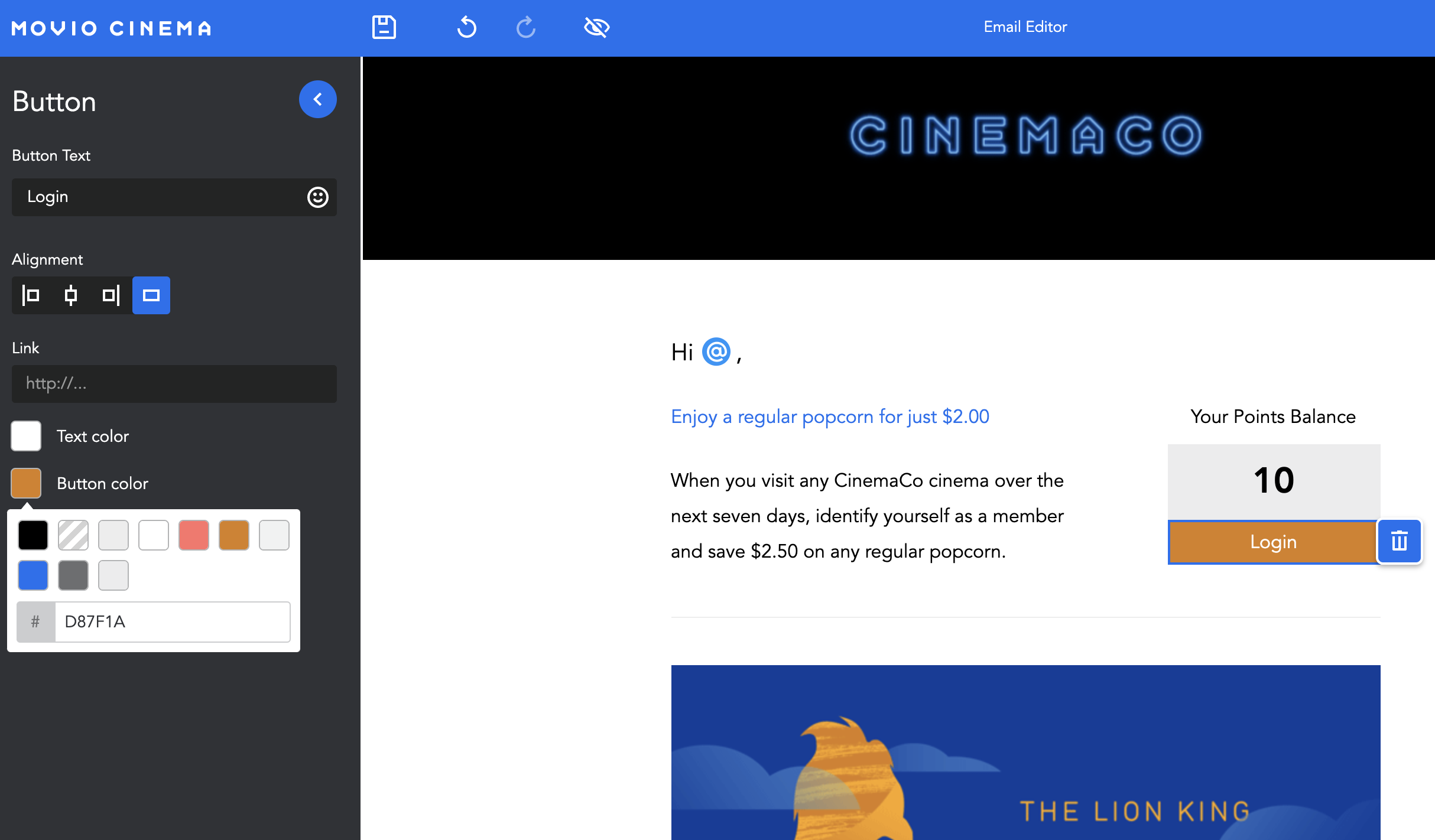
All the changes you need to make to your email body content will occur in the editing tools area.
- Click on a section in your email template to edit
- Your editing tools are conveniently located above your text box
- You can make your text bold or italics, insert a link, or insert markers
- You can change the size of your text, and make it a subscript or superscript
- You can also align your text left, centre, or right
- You can change the background colour of your sections, buttons or text
Comments
0 comments
Article is closed for comments.