From any page in your console:
- Hover over ‘Engage’ in the top menu, and click on ‘Campaigns’.
- Select ‘Create’ in the top right corner. Facebook campaigns are available for loyalty campaigns.
- Select ‘Loyalty’ and ‘One-off’ from campaign type.
- Give your campaign a name and click on the ‘Create’ button to begin creating your Facebook campaign.
- Add your tags into the space provided.
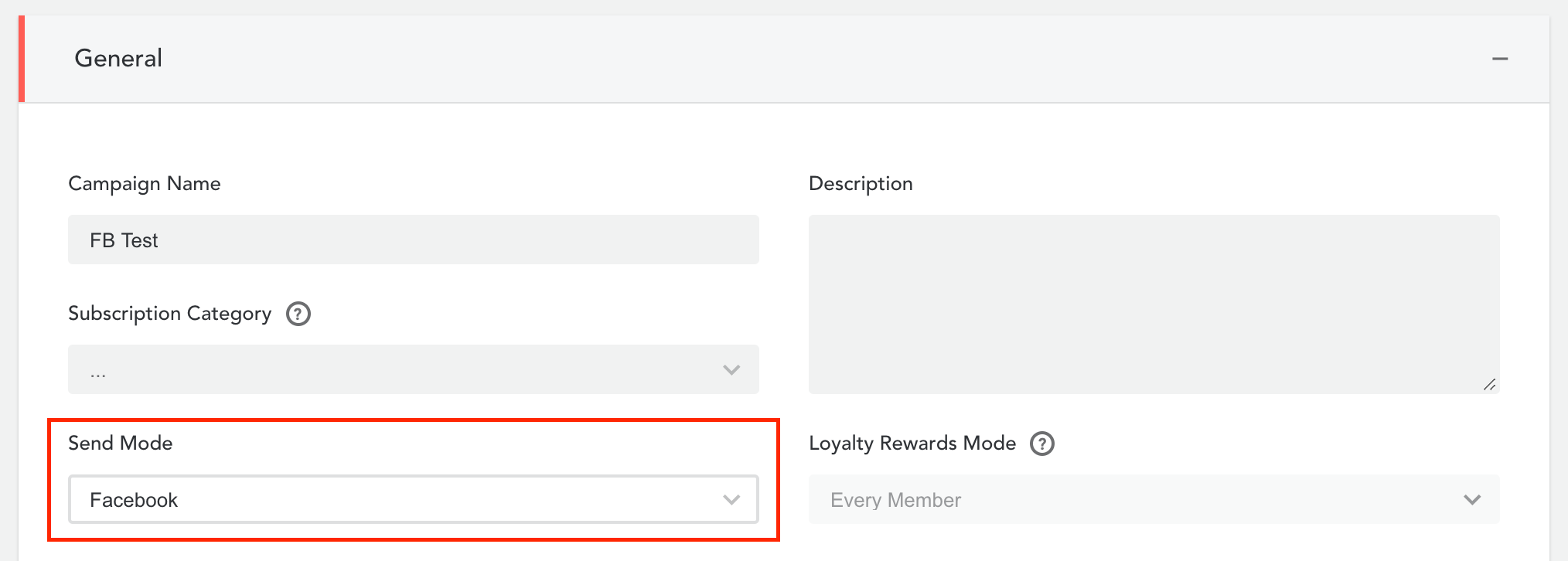
- Continue to the ‘General’ header and select ‘Facebook’ under the ‘Send Mode’. Complete the ‘General’ header where appropriate, including control groups.
- Add your audience snapshot under the ‘Recipient’ header.
- Continue to add loyalty points and/or codes if you wish to use them.
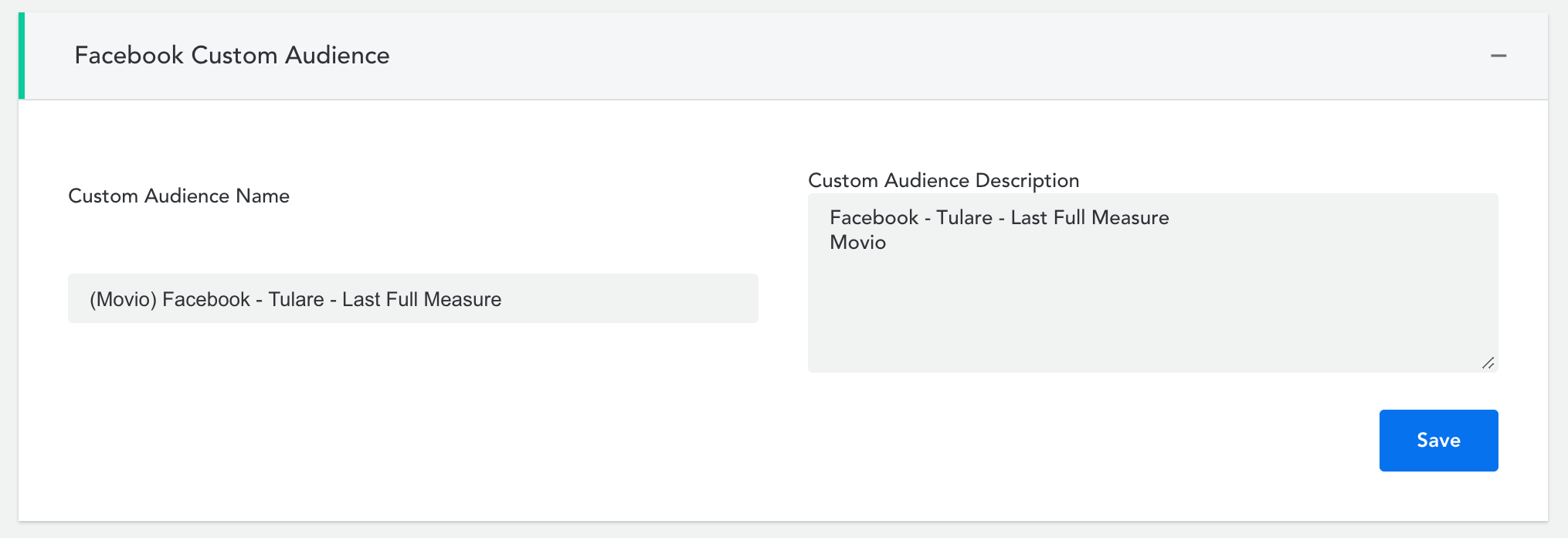
- Click on the ‘Facebook Custom Audience’ header. Add or edit the Custom Audience Name and add a description, and click ‘Save.’
- Go to your Facebook Ad Manager and follow the instructions Facebook provides to set up your campaign. The instructions can be found here.
- Once you’ve completed setting up your campaign in your Facebook Ad Manager, go back to Movio Cinema and choose when you’d like to execute your campaign, click ‘Save’.
- You can now proceed to execute your campaign, making sure you have completed the other headers within campaign creation. Your recipient list will only be sent to Facebook when your campaign is executed at the scheduled delivery time.
Comments
0 comments
Article is closed for comments.