Understanding how Recurring Campaigns are performing over several weeks or months is a crucial part of marketers reporting. Movio Cinema provides an export button to download aggregated data since the start of a recurring campaign. This allows exhibitors to report on multiple executions of a Recurring Campaign and evaluate how the campaign’s performance is tracking over time.
Note, only users with permission to 'Download Data' will be able to see and use this functionality.
Export Recurring Campaigns data
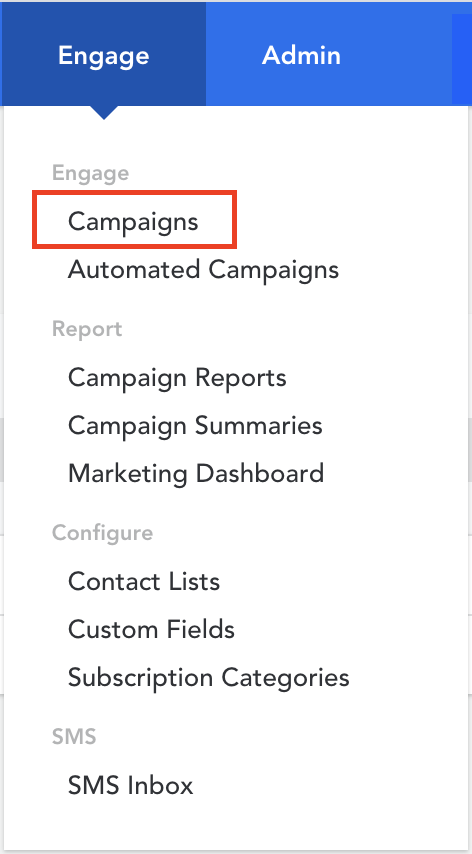
- Go to 'Campaigns' from the navigations menu
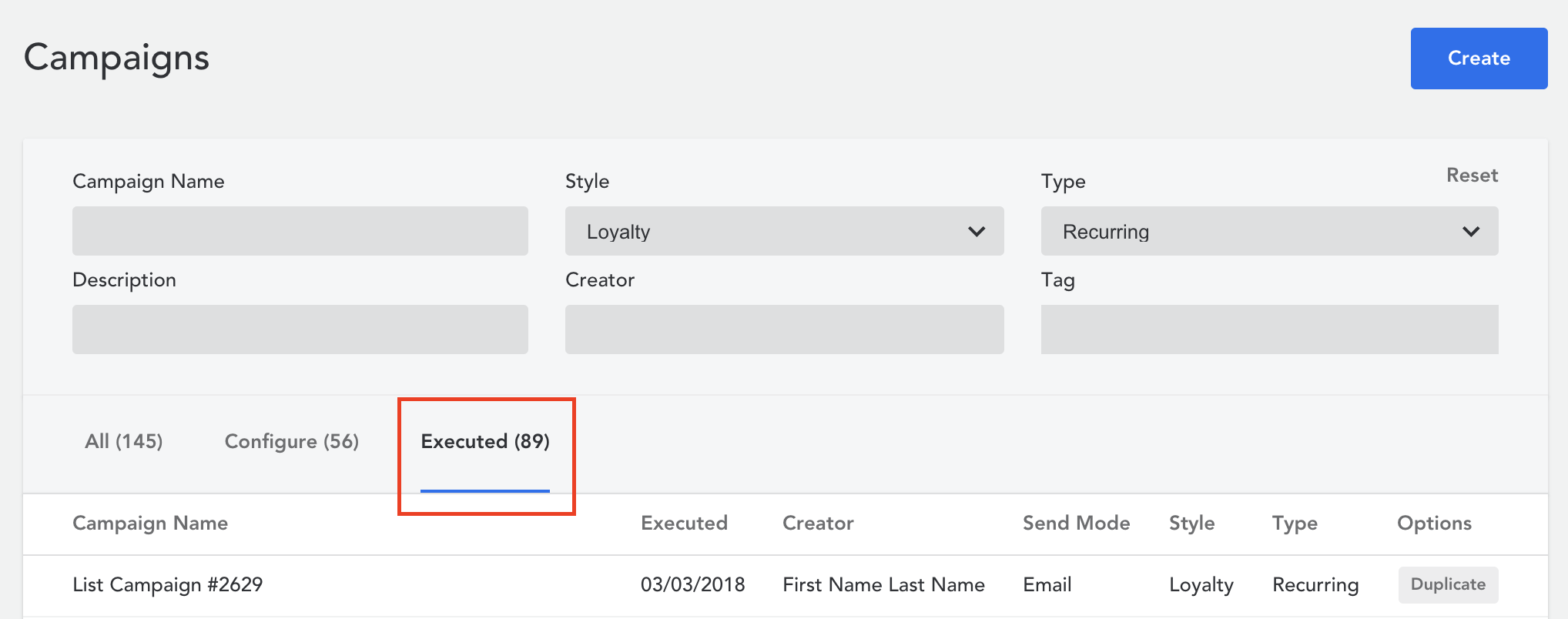
- On the main page, click the 'Executed' tab or search for a particular campaign in the search fields
- Select an executed recurring campaign that you want to download reporting data for
- In the campaign under the 'Executions' tab, click the download button on the bottom of the page
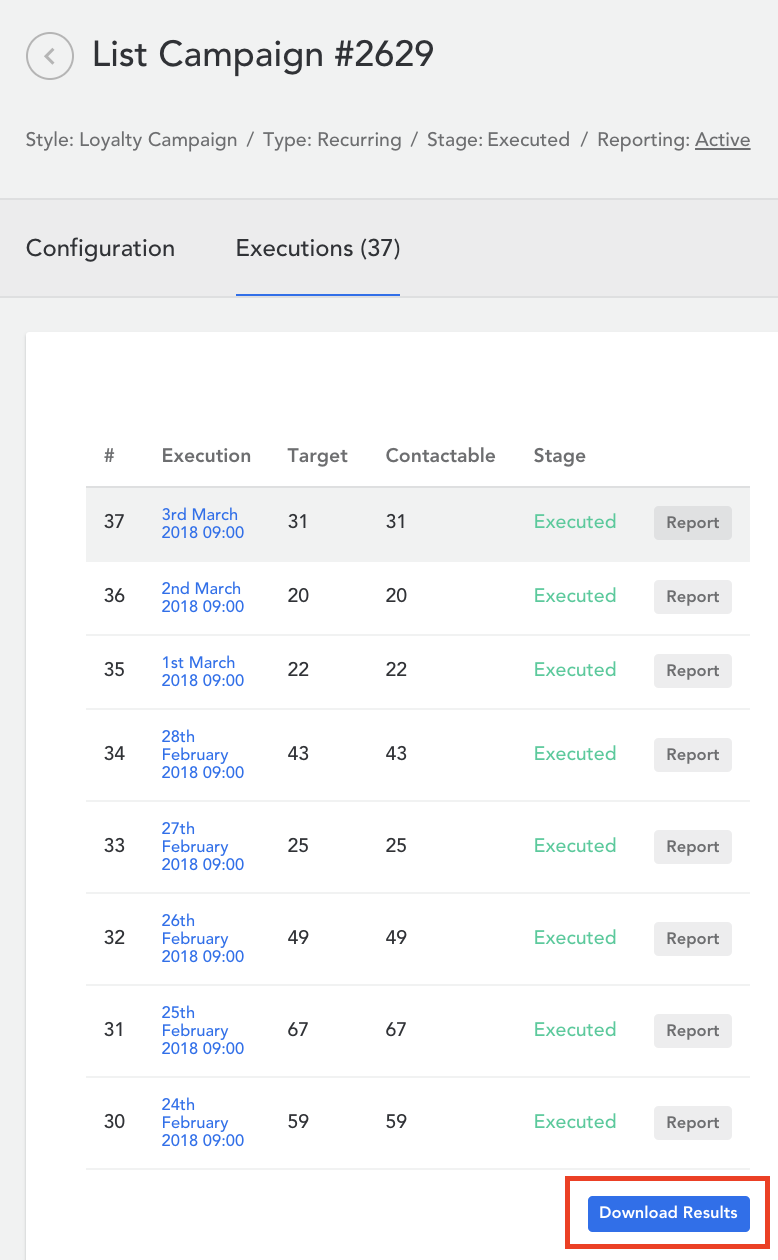
- The download of a .csv file will automatically start
Comments
0 comments
Article is closed for comments.