Campaigns can be created in advance and scheduled to be delivered in the future.
- Click on the calendar icon to view the calendar and select a date
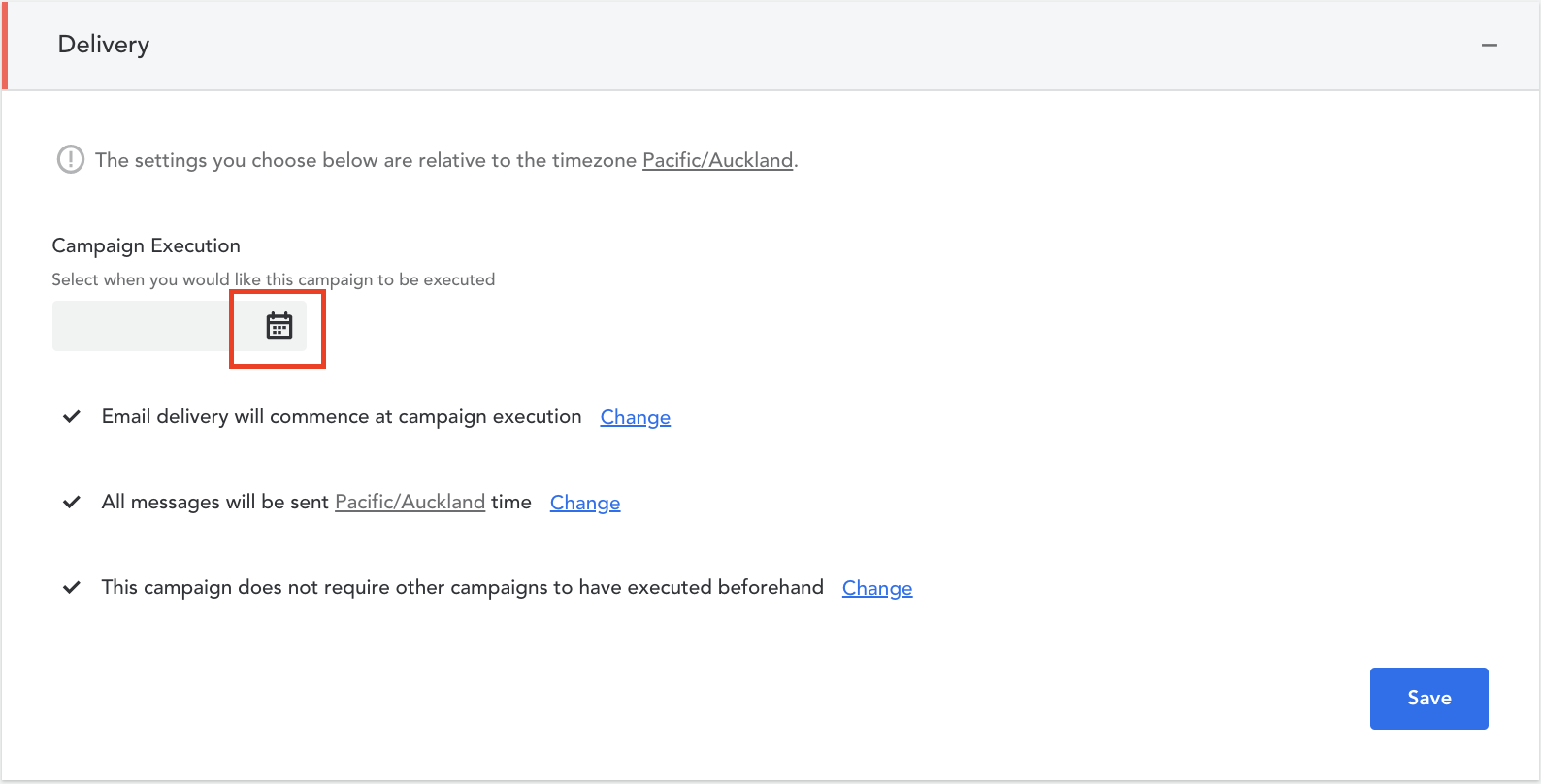
- Use the sliding bars to set the hour and minute of delivery
- You have additional options for scheduling your Email & SMS to go out at the same time or at different times. You can also choose to adjust delivery times based on a members timezone
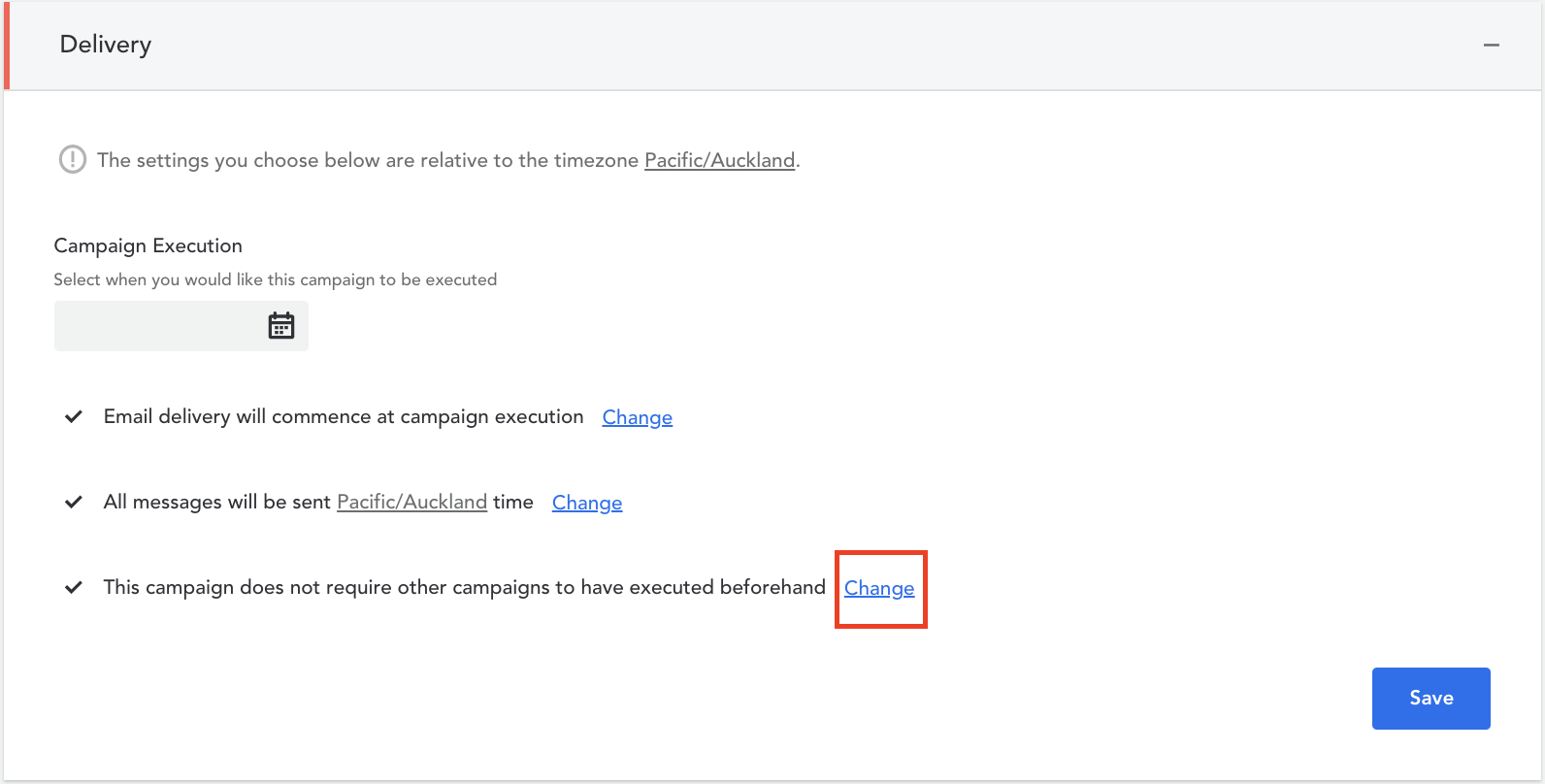
- If you require another campaign to be executed prior to the execution of this campaign, click on ‘Change’ next to ‘This campaign does not require other campaigns to have executed beforehand.’ You will then be able to add any prerequisite campaigns. We highly recommend that you discuss this with your Account Manager prior to configuring a prerequisite campaign
- Click ‘Save’ to save your changes
Comments
0 comments
Article is closed for comments.