Sending an email to your recipients
- Select the ‘Open Editor’ button to begin creating or editing an email
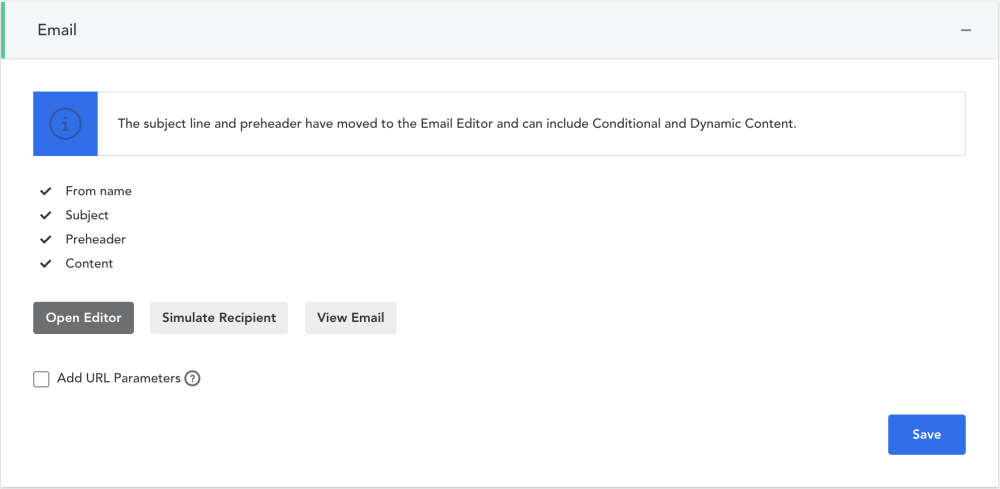
- Once all email sections are completed, click ‘Save’
Sending an SMS to your recipients
SMS will only be an option if you selected SMS in the ‘General’ Campaign Section.
- Remember to apply a 'Template' FIRST so the required unsubscribe text appears
- Begin typing your text message in the editable field
- The counter on the right shows you how many characters you have left before your message becomes two separate text messages
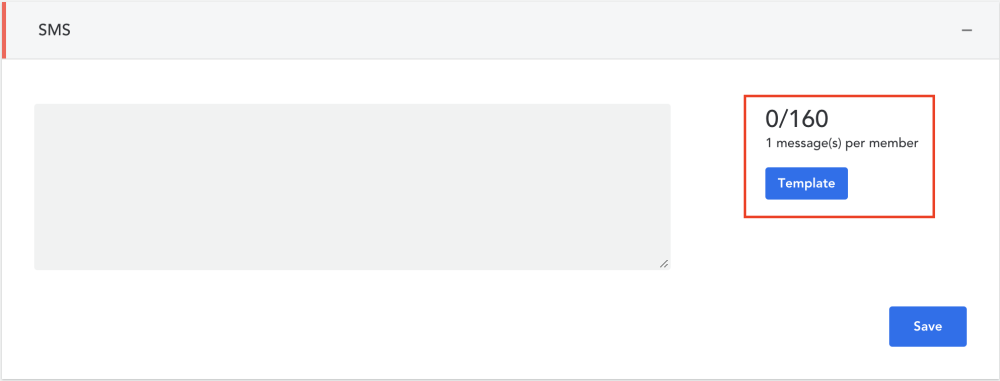
- Click ‘Save’ to save your changes
Comments
0 comments
Article is closed for comments.