Whenever an element is deleted from your email template, they are simply just hidden as a placeholder. This allows you to show/hide images and buttons with a simple click of a button.
Your placeholders button is located on your control bar.

For example, you can delete this ‘Log in’ button from the template and it won’t be displayed.
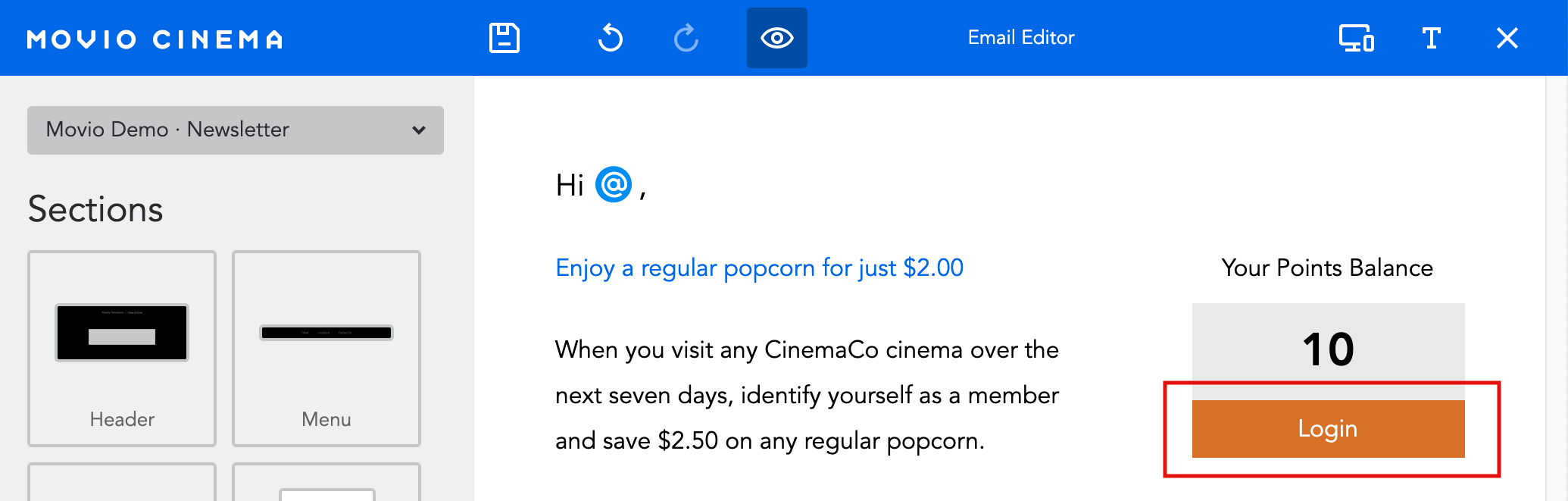
However, if you’d like to include it in your template again, click on the placeholders button and an ‘Add Button’ placeholder will appear
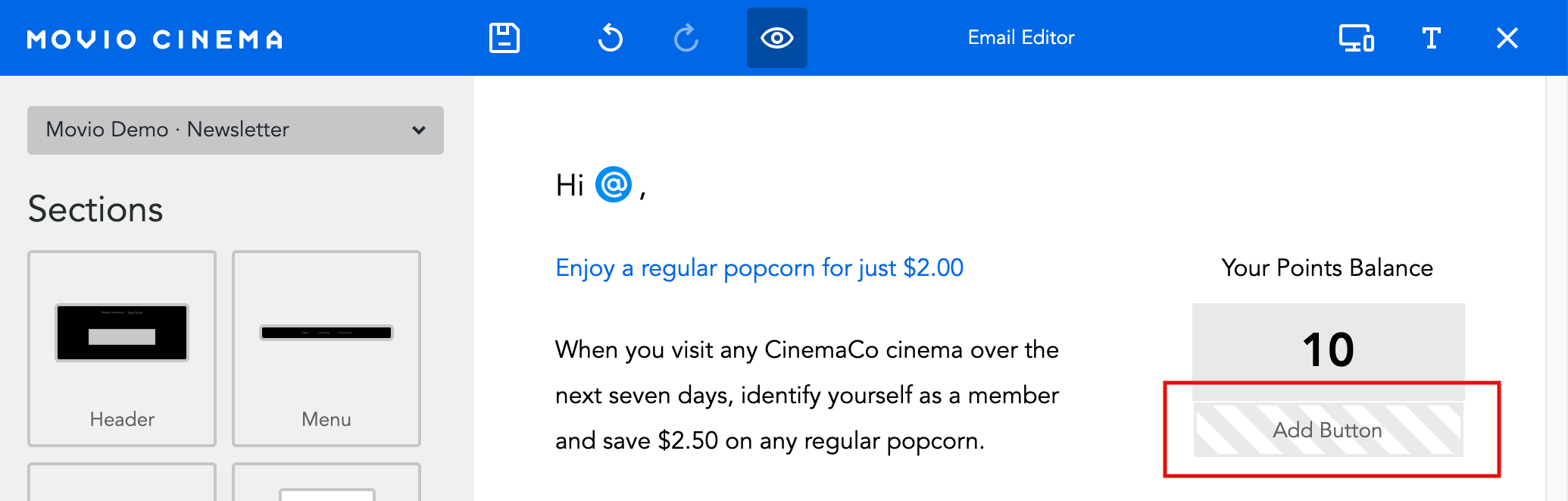
You can then click on the ‘Add Button’ and your button will return.
Comments
0 comments
Article is closed for comments.