Prior to sending an email out to your recipient list, you must send an internal test email or test SMS. This will allow you to test the email campaign as well as the function on the POS before sending the final campaign to your members. This is where you can build your sign-off workflow.
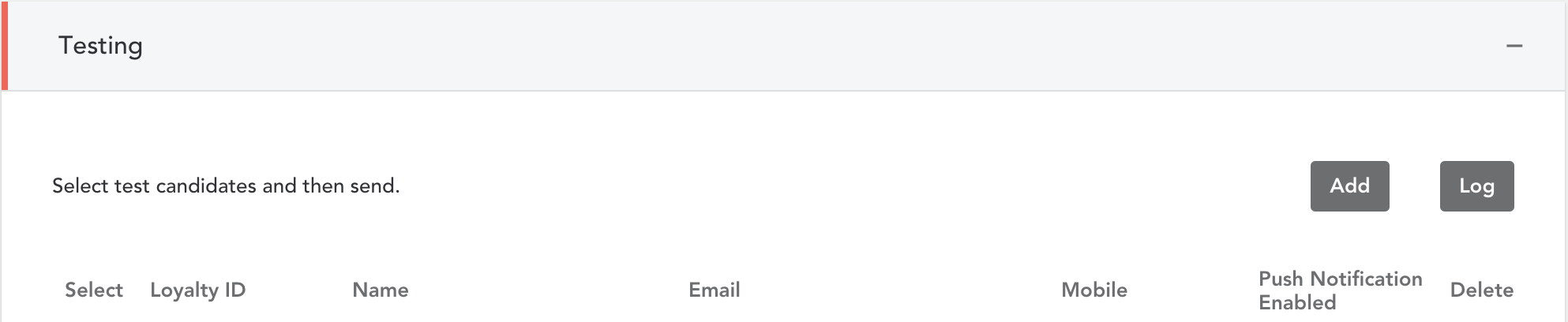
- Hand select one or more individuals that should receive the test campaign
- Additional recipients can be added to a test list by selecting the ‘Add’ button and filling in the appropriate contact information
- Click on ‘Send Tests’ to send a test campaign to your test recipients

Comments
0 comments
Article is closed for comments.