Movio Cinema offers the ability to generate QR codes and barcodes directly in the email. These can be used, for example, to send a unique offer (eg. vouchers) to a list of email addresses through a Loyalty Campaign.
The main requirement is to have the 'QR code' or 'Barcode' section available in your email template. If this section is not available to you, please contact your Account Manager by email or by submitting a request.
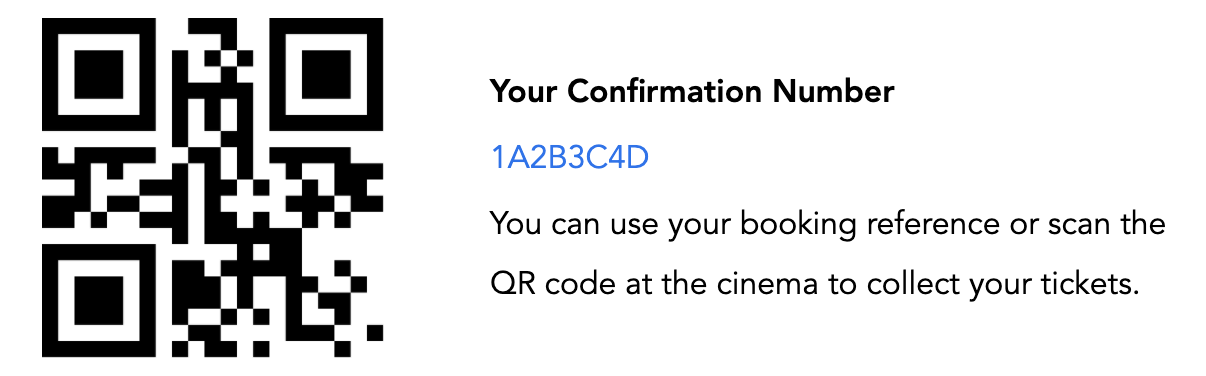
One identical QR or barcode for all recipients of the email
Follow these steps in the email editor when building the campaign:
- Drag and drop the QR/barcode section into the body of the email
- Click on the QR/barcode image in the section
- In the left-hand column, edit the 'Source' of the image so the correct code is included
e.g. Using the code '1A2B3C4D':- https://www.email.cinemaco.com/qr?input=1A2B3C4D
- The sub domain for this example is 'email.cinemaco.com' and will be different in your console.
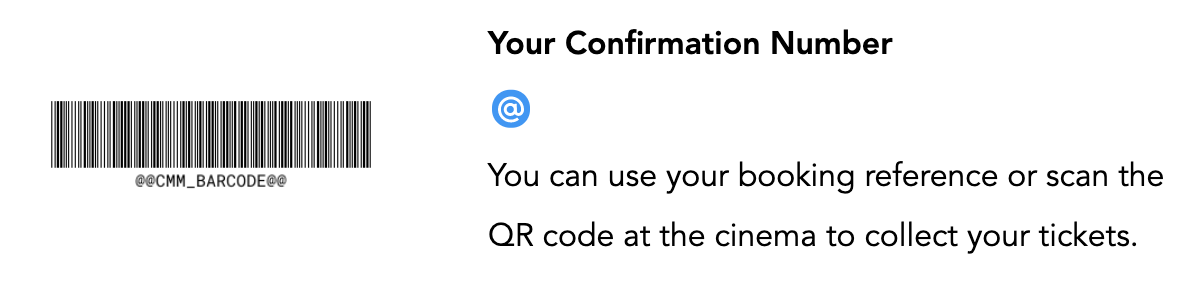
Unique QR or barcode for each recipient of the email
This can be achieved by using one of the following options:
- Existing marker
- Custom field (List Campaign)
- Custom Member Metrics CMM (Loyalty Campaign)
Follow these steps in the email editor when building the campaign:
- Drag and drop the QR/barcode section into the body of the email
- Click on the QR/barcode image in the section
- In the left-hand column, edit the 'Source' of the image so the correct code is included
e.g.
Comments
0 comments
Article is closed for comments.